
AI Patient Communication Platforms for Dentistry: A Guide
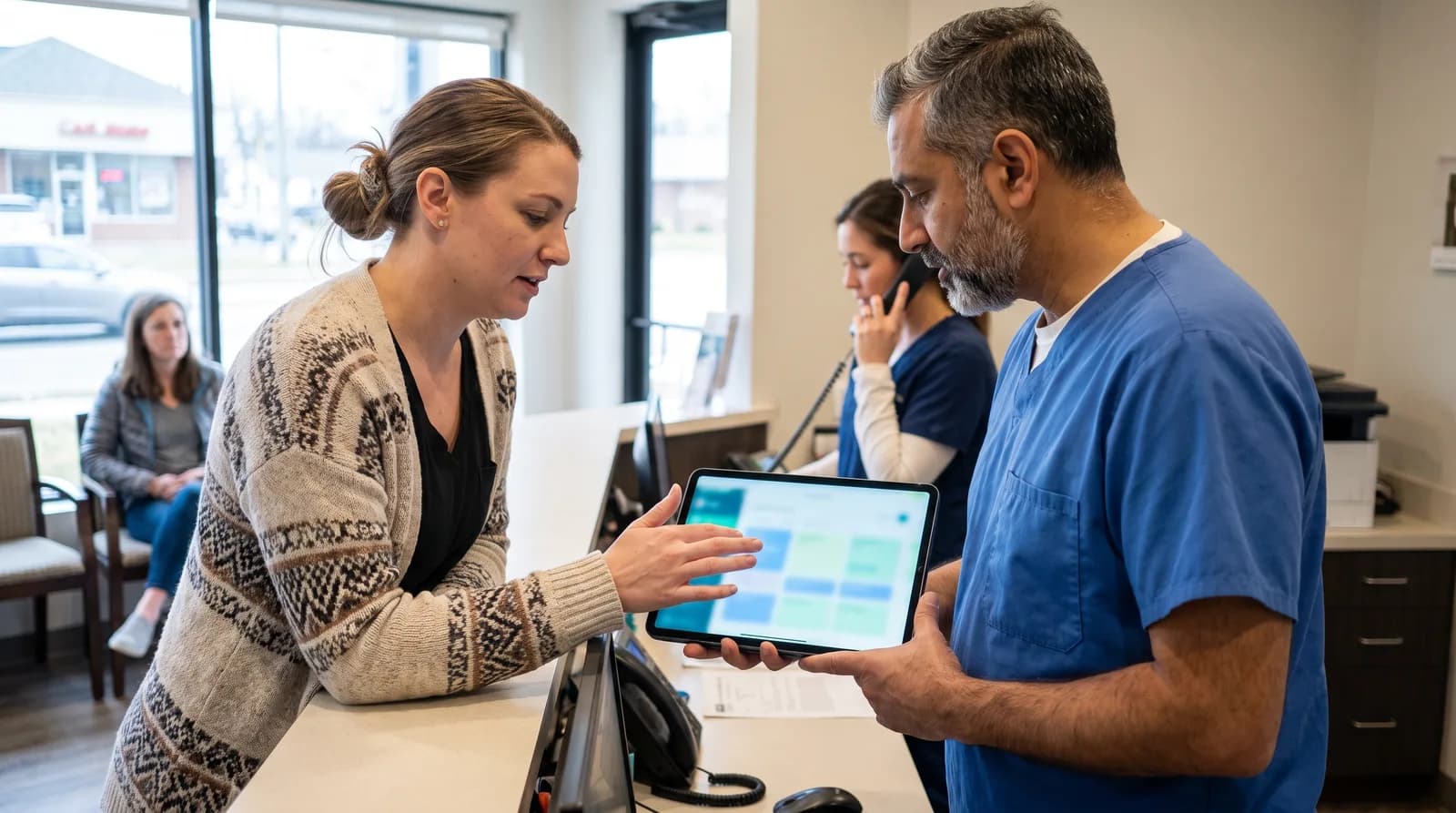
Learn what AI patient communication platforms are, how dental practices use them, and how they improve calls, scheduling, and patient engagement.
Share:
Table of contents
What is an AI patient communication platform?
An AI patient communication platform for dentistry is a system that uses artificial intelligence to manage and support communication between a dental practice and its patients. These platforms assist with handling inbound calls, responding to messages, sending appointment reminders, and capturing scheduling requests across multiple communication channels, helping practices remain responsive and organized.
In practice, many dental offices use an AI dental receptionist to answer patient calls, capture appointment requests, and respond to common questions.
Unlike a basic phone menu, these tools understand what the patient is asking in plain language, answer in real time, and pass the details to the team. Some focus on phone calls, while others also cover text and email, so check which channels a tool handles before you compare options.
Why is patient communication a challenge in dental practices?
Patient communication sits at the center of dental practice operations. Every new appointment, emergency inquiry, reschedule request, or follow-up question begins with a conversation. Despite its importance, many dental practices struggle to manage communication effectively due to operational constraints rather than lack of effort.
What are the most common front desk challenges?
Common challenges include:
- High inbound call volume during peak clinical hours
- Limited front desk staffing
- Competing priorities between in-office patients and phone inquiries
- After-hours calls going unanswered
- Messages spread across phone, text, and email
When communication gaps occur, practices may experience lost new patient opportunities, lower booking rates, increased no-shows, and higher stress levels for front desk staff. Over time, these issues can impact both revenue and patient satisfaction.
How much do missed calls really cost?
The financial weight of these gaps is easy to underestimate. According to a February 2026 Peerlogic analysis of 4,280 calls across 26 dental practices, 38% of inbound calls went unanswered, and new-patient calls turned into appointments about 25% of the time, compared with about 56% for existing patients. Dental Economics estimates that 60-65% of missed calls come from new-patient inquiries, so the calls that slip away tend to be the most valuable ones. This is why a phone line that is always busy or a front desk stretched too thin quietly erodes growth long before it shows up in production reports. The pattern usually compounds: missed calls during a packed clinical morning turn into a backlog of voicemails, which turn into delayed callbacks, which turn into patients who have already booked elsewhere.
How can you spot the early warning signs?
Recognizing the early warning signs matters more than reacting to the symptoms. When the team is constantly choosing between the patient in the chair and the phone that will not stop ringing, communication quality drops for everyone. Many offices first notice the strain through front desk overwhelm rather than through hard metrics, which is exactly why a structured way to measure call handling becomes valuable.
What do AI patient communication platforms do?
AI patient communication platforms are designed to support dental teams by handling routine, repetitive, and time-sensitive interactions. These systems typically operate continuously and follow predefined workflows tailored to dental practices.
What can these tools handle day to day?
Common capabilities include:
- Answering inbound patient calls
- Responding to frequently asked questions
- Capturing appointment requests and patient details
- Sending confirmations, reminders, and notifications
- Logging and organizing patient communication
By automating these tasks, practices reduce reliance on manual processes while ensuring that patient inquiries receive timely responses.

How does a patient request move through the system?
How an inbound patient request moves through the platform
Why does the escalation step matter?
The escalation step is what separates a useful platform from a blunt auto-attendant. Routine requests are resolved on the spot, while clinical or sensitive situations are handed to a person with full context. This same logic underpins how AI triages urgent versus routine calls, so an emergency never sits in a queue behind a routine reschedule.
What are the benefits of AI communication for dental practices?
AI communication platforms help dental practices answer more calls, confirm more appointments, and give staff time back for patients in the office. The main benefits are fewer missed calls, faster replies, better attendance, lighter admin work, and clearer visibility into how patients reach you.
When implemented correctly, AI-based communication platforms provide operational support without replacing human staff. The goal is consistency and availability, not removing personal interaction.
What are the key benefits?
Key benefits include:
- Fewer missed calls and unanswered inquiries
- Faster response times for patients
- Improved appointment attendance through reminders
- Reduced administrative workload for front desk teams
- Better visibility into patient communication activity
These benefits help practices maintain responsiveness during busy periods and ensure continuity when staff are unavailable.
For a closer look at where these systems still fall short, AI in patient communication: benefits and limits for practices covers both sides in detail.
How do reminders and confirmations protect the schedule?
Reminders deserve particular attention because they touch revenue directly. A reminder that actually reaches the patient, on the channel they prefer, is the difference between a confirmed chair and an empty one. Practices that move from manual callbacks to automated recall reminders patients answer tend to recover hygiene slots that would otherwise quietly disappear, and structured appointment confirmations keep the daily schedule predictable.
What are the common ways to manage patient communication?
Most dental practices combine four approaches: manual front desk handling, voicemail, outsourced call centers, and AI communication platforms. They differ mainly in when someone is available, how much staff time they take, and how consistent the patient experience is from one call to the next.
Dental practices typically rely on a combination of approaches to manage patient communication. Each option has advantages and limitations depending on practice size, staffing, and call volume.
| Approach | Availability | Staff Effort | Consistency |
|---|---|---|---|
| Manual front desk handling | Business hours only | High | Variable |
| Voicemail systems | 24/7 | Low | Low |
| Outsourced call centers | Extended hours | Medium | Medium |
| AI communication platforms | 24/7 | Low | High |
What are the trade-offs of each approach?
Manual handling offers a personal touch but is limited by staff capacity. Voicemail provides basic coverage but often fails to convert inquiries into appointments. Call centers extend availability but may lack familiarity with specific dental workflows. AI platforms prioritize responsiveness and consistency across channels.
Most offices end up with a blend. A common pattern is to keep the front desk focused on in-person care and complex conversations, then let automation cover peak hours, lunch breaks, and evenings.
Where does an AI dental receptionist fit?
An AI dental receptionist is a specialized type of AI communication platform built specifically for dental practice workflows. It focuses on handling inbound calls and messages, collecting structured patient information, and supporting appointment scheduling while escalating complex or sensitive situations to human staff.
This model allows practices to extend communication coverage without increasing front desk overload. Rather than replacing team members, AI receptionists act as an operational layer that absorbs overflow and after-hours demand.
Does it work with your practice management software?
Software fit matters most here. Many offices run practice management systems such as Eaglesoft, so ask any vendor which systems it writes appointments back to, and whether new appointments appear in the schedule without manual entry. A short test call during a demo is the quickest way to see whether the booking really lands in your schedule.
What does your team still do?
The role of your team stays the same. Staff keep control of the greeting, the escalation rules, and every conversation that involves clinical judgment, while the AI handles the repeatable parts of the call.
When are AI communication platforms most effective?
AI communication platforms are most effective in practices where call volume outpaces staff capacity, such as busy clinical mornings, lunch hours, evenings, or multi-location groups. If your team regularly lets calls ring out while patients are in the chair, you are likely in that group.
They tend to deliver the most value in practices experiencing growth or operational strain.
Common scenarios include:
- High call volume during peak clinical hours
- Frequent after-hours patient inquiries
- Front desk teams managing multiple responsibilities
- Multi-location practices coordinating communication
- Practices aiming to reduce missed appointment opportunities
In these situations, automation helps ensure that patient interactions remain consistent and timely, regardless of staffing levels or time of day.
How can you tell if your practice is a fit?
A simple way to check is to pull one week of call logs from your phone system. Count how many calls went unanswered, note the hours when they happened, and see how many were from new patients. If the misses cluster at the same times each day, automation has a clear job to do.
How is an AI patient communication platform different from a traditional answering service?
An AI communication platform differs from a traditional answering service in three ways: it understands dental-specific requests, it can take action inside your scheduling workflow, and it works around the clock at a consistent cost.
An answering service typically takes a message and forwards it; an AI platform can confirm an appointment, answer an insurance question, and log the interaction without a callback.
Why does the difference matter at the point of booking?
The distinction matters most at the point of conversion. A message sitting in an inbox until morning is a delayed response, and delayed responses lose patients. For a deeper side-by-side, the comparison of an AI receptionist versus a traditional receptionist and the leading dental AI voice platforms in 2026 outline where each model fits.
The practical test: if a patient calls at 7:30 p.m. to reschedule, does the request get resolved tonight, or does it become tomorrow’s callback? AI platforms aim for the former; message-only services default to the latter.

What should dental practices look for when choosing a platform?
Dental practices should prioritize integration with their practice management software, healthcare-grade data security, dental-specific call handling, and clear rules for escalating to a human. A platform that books directly into your calendar and respects clinical boundaries delivers far more value than a generic voice bot bolted onto the phone line.
What belongs on your evaluation checklist?
What should you check on HIPAA and data security?
Compliance deserves a closer look. Under HIPAA, an outside tech vendor with access to patient information counts as a business associate, and the practice must sign a business associate agreement before sharing that information. The American Dental Association also answers common vendor questions in its HIPAA business associate FAQ, which makes a useful checklist before you sign anything.
For a structured way to compare vendors against your own priorities, the dental patient communication software buyer guide walks through the same criteria in detail.
Choosing a platform is one decision inside a much larger shift. For the wider picture, see how AI is reshaping the dental patient experience end to end.
What should practices consider before adopting AI communication tools?
Before implementing an AI-based communication platform, dental practices should assess operational readiness and workflow compatibility. Important considerations include integration with existing practice management software, data security standards, and clear escalation rules for clinical or sensitive inquiries.
Proper configuration, monitoring, and periodic review are essential to maintaining accuracy and patient trust over time.

How ready is your workflow?
Readiness is less about technology and more about workflow clarity. Practices that define, in advance, which requests the platform should resolve and which it should hand off tend to see smoother adoption and higher patient acceptance. It also helps to start with the highest-volume, lowest-risk interactions, such as confirmations and routine scheduling, before expanding into nuanced conversations. Teams worried about being replaced are usually reassured once they see the system absorb overflow so after-hours calls are answered without new hires rather than removing anyone’s role.
What does a simple rollout look like?
A short rollout plan keeps adoption simple:
- Pull one week of call logs and note when calls go unanswered.
- Decide which requests the platform resolves, such as confirmations and routine scheduling, and which go to a person.
- Run test calls with your own scripts and your own schedule.
- Review the first month of reports and adjust the escalation rules.
The American Dental Association's practice management resources are a useful place to set front-office goals, such as answer rate and call wait time, before you compare tools.
Is an AI communication platform right for your practice?
An AI communication platform is usually a good fit when calls go unanswered at predictable times and staff are stretched between the phone and patients in the chair. Practices with steady call coverage and low volume may see less benefit and can start small.
Patient communication plays a critical role in appointment conversion, patient satisfaction, and front desk efficiency. As communication volume increases and patient expectations continue to rise, many dental practices evaluate AI communication tools as part of a broader operational strategy.
By supporting routine interactions and improving availability, these platforms help practices manage demand more effectively while allowing staff to focus on in-person care and complex tasks.
Book a live demo to see how AI-powered dental communication works and when it may be appropriate for your practice.
See how AI patient communication works for your practice
Walk through call handling, scheduling, and reminders with a live example.
Book a DemoRelated reading
Choosing a platform is easier with the bigger picture in view. The practice-wide rollout plan for intake automation lays out the sequencing, and a practice guide to going paperless with digital intake covers the forms side specifically.
Frequently Asked Questions
In many cases, AI receptionists sound conversational and are designed to clearly and politely collect your information. Practices typically configure them to answer common questions and schedule requests while transferring more complex or urgent issues to human staff.
Yes. One of the main benefits of AI communication platforms is 24/7 availability, allowing patients to request appointments, leave details, or get basic answers outside normal business hours. Requests that need a person are flagged for the team to follow up when the office opens.
Reputable dental-focused AI platforms follow healthcare data security standards and are designed to meet HIPAA compliance requirements. Patients should still feel comfortable asking the office how their data is protected.
AI platforms can usually answer common, non-clinical questions such as office hours, accepted insurance providers, or general procedure inquiries. Detailed treatment advice or cost estimates are typically escalated to trained staff.
General, cosmetic, pediatric, and multi-location practices commonly adopt them. The common thread is call volume that is hard to cover during clinical hours, lunch breaks, or evenings, rather than a particular specialty or practice size.
No. They are designed to support staff by handling routine interactions and overflow, such as confirmations, common questions, and after-hours requests. Your team keeps control of in-person care, escalations, and every conversation that needs human judgment.
Yes. Most systems operate around the clock, so a patient who calls in the evening can get answers to common questions and leave appointment details. Anything urgent or clinical is flagged for the team according to the escalation rules you set.
Healthcare-focused platforms are built with data security and compliance requirements in mind, but compliance is not automatic. Ask any vendor whether it will sign a business associate agreement, and how it stores and protects patient information, before launch.
Many platforms integrate with practice management systems. The depth varies, so ask whether the tool only reads your schedule or can also write new appointments back into it, and test that with a live call during the demo.
Patients generally value timely and reliable responses, especially for scheduling and reminders. Acceptance tends to be higher when the platform answers quickly, sounds clear, and hands the call to a person smoothly when the request is sensitive.
Timelines vary, but many practices launch within days once scheduling integration and escalation rules are configured. Starting with routine calls first shortens setup, and you can expand to more call types after the first month of reports.
It is escalated to a human team member with the patient’s context, so clinical and sensitive issues are never left to automation alone. The patient does not have to repeat their request.
Yes. Consistent call handling across locations is one of the strongest use cases, since every office follows the same workflow and reporting standard. It also lets a group compare call volume and missed calls by location.
Sources & References
- 1
- 2
- 3
- 4
- 5
Topics
Was this article helpful?
Written by
DentalBase Team
Expert dental industry content from the DentalBase team. We provide insights on practice management, marketing, compliance, and growth strategies for dental professionals.
