
Dental Scheduling Rules Documentation Before You Automate

Dental scheduling rules documentation covers procedure codes, buffers, and columns to write down before automating your practice calendar.
Share:
Table of contents
Dental scheduling rules documentation is what separates a clean handoff to automation from a booking tool that keeps double stacking your best hygienist. Most practices run the calendar on habits nobody ever wrote down. Which column takes new patients. How long a crown prep really needs. When a same-day slot gets released to the public. An AI receptionist or online booking system can only follow rules it can actually read. If those rules live in one scheduling coordinator's head, automation just inherits the chaos faster. Before you connect any tool to your calendar, read how dental appointment scheduling automation actually works, then use this guide to write down the rules it needs.
Why Does Scheduling Automation Fail Without Written Rules?
Automation fails without written rules because software cannot infer judgment calls your team makes silently. A hygienist who "just knows" to leave Fridays open for perio patients is a rule with no record. Feed a scheduling engine an incomplete rulebook and it will happily book a two-hour surgical case into a fifteen-minute slot. Once those rules are written down, the payoff is AI booking that lets patients schedule at any hour without every request landing on your team.
The Documentation Gap, Not a Software Gap
This is not a technology problem. It is a documentation gap, and closing it is exactly what dental scheduling rules documentation is for. Most practice management systems, including Dentrix, Open Dental, and Curve Dental, already support the fields needed to encode appointment length, provider assignment, and buffer time. The rules exist. They are just scattered across sticky notes, verbal handoffs, and one veteran scheduler's memory. Ask three staff members how a same-day emergency gets fit into a full day, and you will often get three different answers, none of them written anywhere an AI tool could reference. Provider assignment specifically deserves its own deep dive, which our deep dive on provider scheduling preferences provides, covering new-patient defaults, referral routing, and part-time provider availability.
Start With Your Last 90 Days of Scheduling Errors
Start by pulling your last ninety days of scheduling errors. Sort them by cause: wrong appointment length, wrong column, missed buffer. That list becomes your documentation priority order, and it is far more useful than trying to document everything at once.
See What a Documented Schedule Makes Possible
Once your rules are written down, an AI receptionist can book against them without guessing. Here is what that setup actually handles day to day.
See What Calls It Can Handle →What Procedure Codes and Appointment Lengths Should You Document First?
Document procedure codes and their standard appointment lengths first, because this pairing drives almost every booking error your front desk sees. A code without a length attached is a guess waiting to happen, and guesses are what fill your schedule with fifteen-minute slots holding forty-five-minute procedures.
What to Record for Every Procedure Code
Pull your fee schedule and list every code your practice actually uses, not the full ADA CDT set. The CDT code set maintained by the American Dental Association covers hundreds of procedures, but a typical general practice regularly bills fewer than sixty of them. For each code your office uses, record the standard chair time, whether it requires a doctor plus assistant or a hygienist alone, and any provider-specific variation. A two-surface composite might run twenty minutes with one associate and thirty with another, and that difference needs to live in the rule, not in someone's memory.
- Standard chair time per code, in five-minute increments
- Provider or role required (doctor, hygienist, assistant, or a combination)
- Whether the code allows double-booking against another chair
- Any equipment or room requirement that limits which column it can sit in
Match the Rule to Your Software Configuration
Once this list exists, cross-check it against your practice management software's procedure code setup. Open Dental's Appointment Types configuration lets you attach default time patterns and procedures directly to a bookable type, so your written rule and your software configuration end up saying the same thing. Practices running Open Dental can also see how the platform layers into an AI receptionist integration once codes and lengths are mapped correctly.
How Should You Assign New Patient, Emergency, and Hygiene Visits to a Column?
Assign visits to a column based on urgency and provider role, not on whichever slot happens to be open. New patients need a longer, doctor-led column because exams and treatment planning take real time. Emergencies need a protected column that stays flexible until the day arrives. Hygiene needs its own lane entirely, separate from doctor time.
Why One Column Absorbing Everything Causes Drift
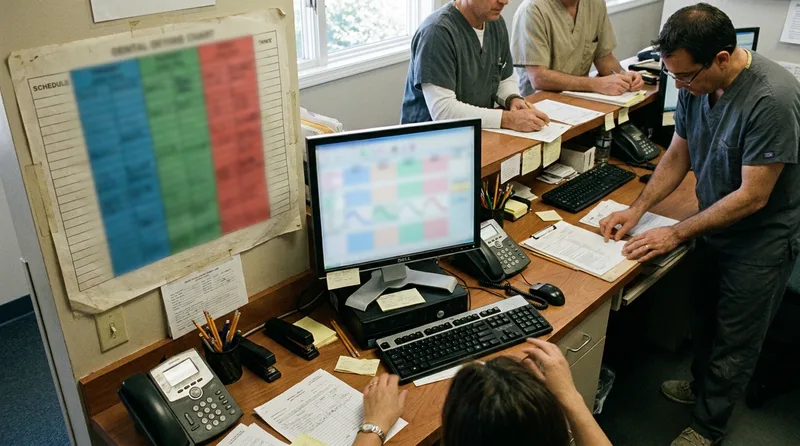
Most scheduling breakdowns trace back to one column absorbing work it was never built for. A new patient exam squeezed into a routine recheck slot runs long, and every appointment behind it drifts. The fix is a written column map: which provider or chair handles which visit type, in what order of priority when two requests compete for the same opening.
| Visit Type | Typical Length | Column Priority |
|---|---|---|
| New Patient Exam | 60-90 min | Doctor column, morning preferred |
| Dental Emergency | 30-45 min | Reserved emergency slot |
| Hygiene Recall | 45-60 min | Hygiene column only |
Turn the Column Map Into a Training Reference
Write this map down as a single-page reference and hand it to whoever is training new front desk staff, along with the rules an AI receptionist uses to triage urgent versus routine calls, since the same logic has to carry through from the phone to the calendar.
What Is Block Scheduling and Why Does It Protect Hygiene Production?
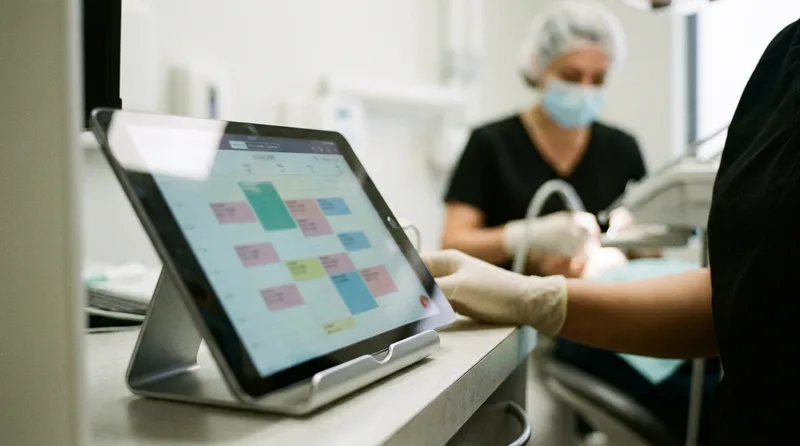
Block scheduling reserves fixed calendar slots for a specific procedure type before the day fills with anything else. It protects hygiene production because periodontal maintenance and scaling and root planing need more time than a routine cleaning, and if those blocks are not reserved early, they get filled with quick recheck visits instead. Once those blocks are written down, you can judge which hygiene scheduling tools can enforce those blocks without manual workarounds.
How Many Blocks to Reserve and When to Release Them
A practice running two hygienists typically reserves two to four SRP or perio blocks per week, staggered across mornings and afternoons so patients have options. Dentaltown has described staggering two-hour SRP blocks two weeks apart so all four quadrants can be scheduled in sequence, and Dental Economics has documented that cancellation and no-show probability roughly doubles once a hygiene appointment is pushed out past two weeks, which is exactly the outcome block scheduling is designed to prevent. The rule to write down is not just "we do block scheduling." It is the specific count, the day, the time of day, and the release policy.
- Define which procedures qualify for a block (SRP, perio maintenance, extended new patient)
- Set a fixed number of blocks per week per hygienist
- Decide the release window: how many days before the date an unfilled block opens to general booking
- Assign who has authority to override the release window manually
Why the Release Window Matters Most for Automation
That release window rule matters most for automation. Without it, a booking tool will either hold blocks open forever, wasting chair time, or release them too early, defeating the purpose of blocking at all.
How Do Buffer Rules and Doubled Hygiene Columns Prevent Overbooking?
Buffer rules prevent overbooking by adding invisible padding around procedures that tend to run long, and doubled hygiene columns let one hygienist see two patients at once during the parts of a cleaning that do not need constant attention. Both depend on rules being explicit rather than assumed.
Buffers and Doubling Only Work When They Are Explicit
A ten-minute buffer after every surgical extraction sounds simple until you consider that not every provider needs the same buffer. A newer associate might need fifteen minutes where a senior doctor needs five. Doubling works the same way. Two prophy patients can share a hygienist's hour if the assistant handles polishing on one while the hygienist scales the other, but only if your software knows to stagger the start times rather than book them identically. Write the buffer as a minute value tied to the procedure code, not as a verbal reminder passed between shifts.
Stress-Test Your Rules Against a Busy Day
Test your documented buffer and doubling rules against a genuinely busy day before trusting them to automation. Pull last month's worst Monday and manually walk the schedule against your written rules to see where they would have broken.
Rules Written. Now Connect Them.
Practices running Dentrix can plug documented scheduling rules straight into an AI receptionist without changing their PMS setup.
See How Dentrix Integration Works →Where Should Same-Day Emergency Slots Live in Your Template?
Same-day emergency slots should live in a reserved column that nobody but a triaged emergency can touch, released to general booking only in the final hour or two if unused. Burying emergency capacity inside regular open time guarantees it gets consumed by routine visits before an actual emergency calls.
How Many Slots to Reserve and How Big to Make Them
Most general practices reserve one to three emergency slots per provider per day, sized around thirty to forty-five minutes to cover exam, X-ray, and a basic procedure like a temporary filling or extraction. The documentation question is not whether to reserve them. It is what counts as qualifying for the slot in the first place. A chipped veneer with no pain is not the same emergency as a swollen face with a fever, and your front desk needs a written triage script, not a judgment call made under phone pressure.
Match Your Triage Script to Your Call Routing
Pair this written triage rule with whatever routes your incoming calls, since the same decision tree that assigns a caller to an emergency slot should match the one your team uses at the front desk. That consistency is what actually protects the reserved slot from being quietly filled with something less urgent.
How Does Dental Scheduling Rules Documentation Replace Tribal Knowledge?
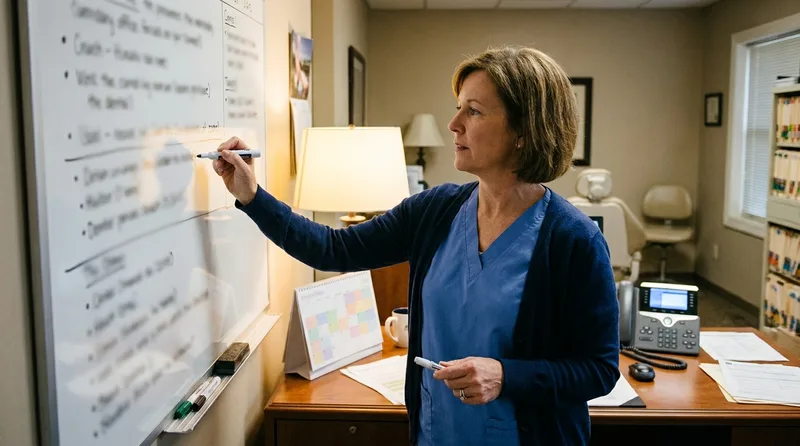
Turn tribal knowledge into a rulebook by interviewing whoever currently holds it and converting every "it depends" answer into a specific, numbered rule. If your scheduling coordinator resigns tomorrow, the rulebook should be complete enough that a temp could run the calendar on day one.
Why Turnover Makes This Urgent
This matters more than most owners realize. Front desk and scheduling turnover is common industry-wide, and every departure risks taking undocumented process knowledge out the door with it. Broader research from McKinsey's healthcare delivery analysis points to the same root cause across the industry: administrative processes that live in people's heads rather than in systems are the hardest to scale or hand off cleanly.
Run a Structured Exception Interview
Run a structured interview. Ask your scheduler to walk through a full day, then a full week, then a full year, calling out every exception as they go. Holidays, provider vacations, back-to-school rushes, insurance verification delays. Write each exception down as a conditional rule: "if X happens, do Y," rather than a paragraph of narrative.
What Happens If You Automate Before Documenting Your Rules?
Automating before documenting your rules means the software will guess, and its guesses will look confident even when they are wrong. A patient books online at 2 p.m. for a slot that should have required a doctor and gets assigned to a hygiene-only column instead, and nobody notices until the patient shows up.
The Failure Mode Is Death by a Thousand Small Mismatches
The failure mode is rarely dramatic. It is death by a thousand small mismatches: a fifteen-minute recheck booked where a forty-five-minute filling belongs, a same-day emergency slot released three days early, a new patient exam landing in a column with no doctor scheduled. Each error costs a few minutes of front desk cleanup, but they compound across a full week of bookings.
- Wrong appointment length assigned to a procedure code
- New patient or emergency visits booked into the wrong column
- Hygiene blocks released too early or never released at all
- Buffers ignored, causing cascading lateness through the afternoon
Document First, or Document Reactively Later
Practices that document first, then automate, typically see a short and predictable rollout. Practices that automate first end up documenting anyway, just reactively, one support ticket at a time. For more on operational discipline outside of scheduling alone, our practice management coverage walks through the same documentation habit applied to other front desk workflows.
Documenting your scheduling rules is not busywork ahead of automation. It is the actual product you are building, and the software is just the delivery mechanism. A practice that writes down its procedure lengths, column assignments, block policies, and emergency triage rules ends up with something valuable even if it never automates a single booking: a calendar that runs the same way no matter who is sitting at the front desk that day. That consistency is worth more than most owners expect. Start with your worst scheduling week from last quarter, work backward through every error, and write the rule that would have prevented it. Dental scheduling rules documentation done this way builds a foundation your team, and eventually your software, can actually trust.
Ready to Put Documented Rules to Work?
See how practices connect their written scheduling rules to an AI receptionist and go live in about a week.
See the Setup Checklist →Still comparing scheduling automation options?
Read our guide to automated dental scheduling for modern practices →Frequently Asked Questions
Dental scheduling rules documentation is a written record of every rule your calendar runs on, including procedure codes, appointment lengths, column assignments, and buffer times. It replaces verbal handoffs with a reference an AI receptionist or booking tool can follow.
Automation software cannot infer judgment calls your staff make silently. Without written rules, a booking tool guesses at appointment length and column assignment, which leads to double bookings and mismatched procedure times.
Most general practices reserve one to three emergency slots per provider per day, sized around thirty to forty five minutes. The exact count depends on call volume and how strictly the practice defines a qualifying emergency.
Block scheduling reserves fixed calendar slots for a specific procedure type, such as scaling and root planing, before the day fills with routine visits. It protects longer appointments from being crowded out by quick bookings.
When scheduling rules exist only in one employee's memory, that knowledge leaves with them. A written rulebook lets a new hire or a temp run the calendar correctly on day one instead of relearning it by trial and error.
Yes. Both platforms let you attach appointment types, time patterns, and procedure codes to bookable slots. Writing the rule down first makes sure your software configuration and your documented policy actually match.
Sources & References
- 1
- 2
- 3
- 4
- 5
Topics
Was this article helpful?
Written by
DentalBase Team
Expert dental industry content from the DentalBase team. We provide insights on practice management, marketing, compliance, and growth strategies for dental professionals.
