
Dental Office Lunch Break Phone Coverage: A Real Rest
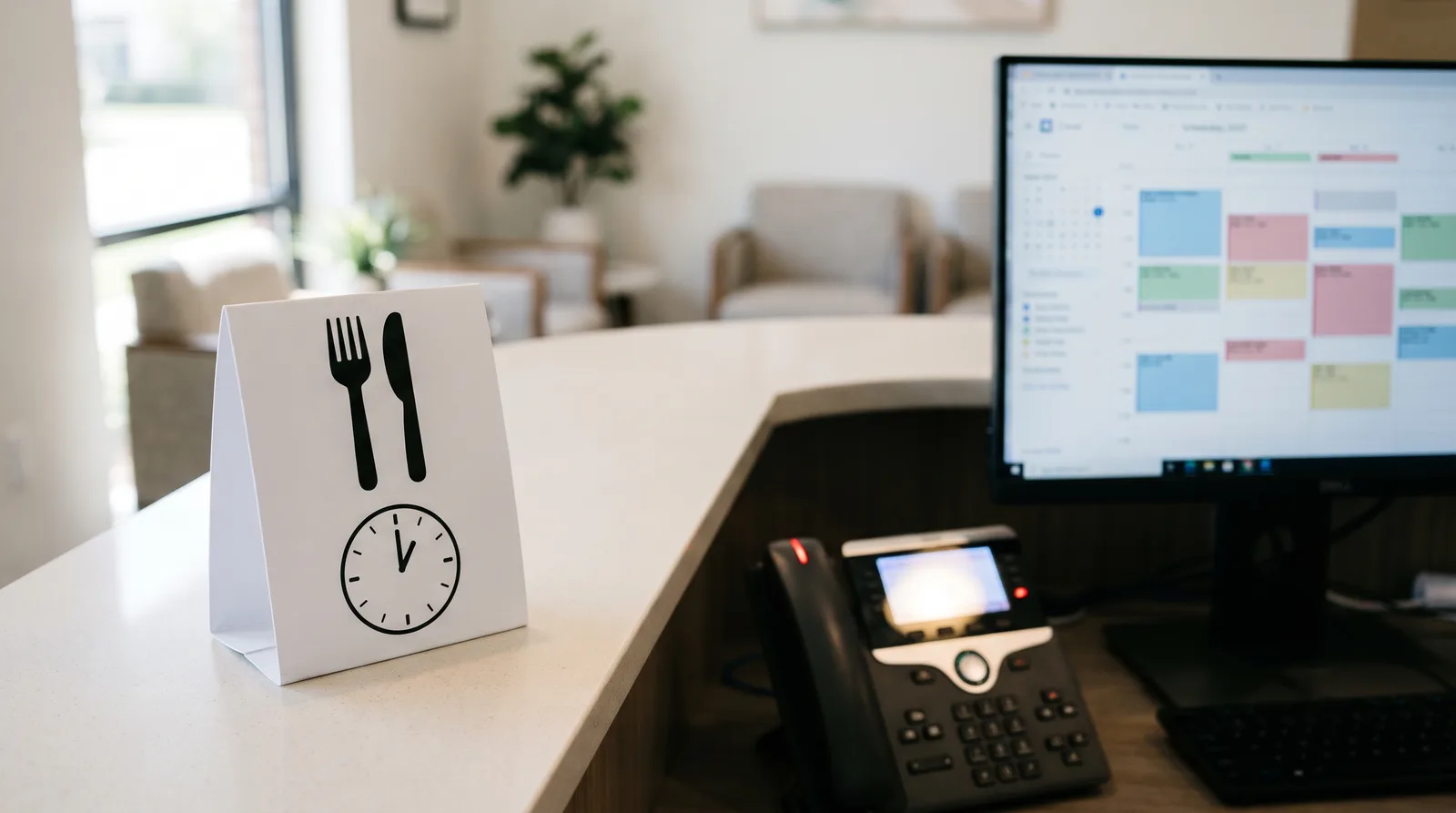
Dental office lunch break phone coverage keeps calls answered at midday. See how to give your front desk a real rest while patients still get answers.
Share:
Table of contents
Dental office lunch break phone coverage is the gap most practices never plan for. At noon the team heads to the break room, the lines keep ringing, and a caller with a toothache lands in voicemail. A clear dental phone coverage plan closes that gap without asking one person to eat at the desk with a headset on.
The stakes are real. A Dental Economics analysis cites industry benchmarks of 30% to 38% of incoming calls missed during business hours. It also points out that extra hires and basic answering services frequently leave gaps at peak times, lunch breaks, and after hours.
Below, you'll compare four ways to cover the phones, see how an AI receptionist supports your team during a lunch-hour call, and get a short script and review routine you can start this week.
Why do dental phones go unanswered at lunch?
Dental phones go unanswered at lunch because the same people who answer them also need to eat, and most small offices have nobody else to cover the line. The gap is predictable, so it is fixable with a plan instead of good intentions.
Picture a three-provider office with two people at the front desk. One leaves at noon, and the other covers the counter and the phones. A patient walks up, the phone rings twice, and the second call rolls to voicemail. Nobody did anything wrong. The schedule just had no slot for the phone.
Lean teams make it harder. The ADA Health Policy Institute reported in April 2026 that staffing tied with dental insurance issues as the top challenge for dentists in 2026, so many offices can't spare a third person for the desk.
Why do lunch calls slip through?
Here are the usual reasons lunch calls slip through:
- One person covers the counter and the phones at the same time.
- Calls roll to voicemail, and no one owns the callback.
- There's no written path for an emergency that arrives at noon.
- Staff eat at the desk, which turns a break into an interrupted shift.
Is eating at the desk a real break?
That last item carries legal weight. The U.S. Department of Labor's Hours Worked Advisor explains that under the Fair Labor Standards Act, an office employee who must eat at a desk and answer the telephone isn't relieved from duty, even if no calls come in. The federal meal-period rule, 29 CFR 785.19, looks for a break where the employee is completely relieved from duty. State rules vary, so confirm yours with your labor agency or an employment attorney. This isn't legal advice.
Your own call log shows how heavy the midday window is. Our guide to dental office call volume patterns explains how to read it hour by hour.
A sample day: where the lunch gap opens
Illustrative schedule, not office data. Benchmark: 30% to 38% of calls missed during business hours (Dental Economics analysis).
Is the phone the only pressure point at your desk?
See the other pressure points that wear front desk teams down.
Read about common front desk challenges →What are the dental office lunch break phone coverage options?
Dental offices usually choose from four lunch coverage options: staggered breaks, a rotating desk, a live answering service, or an AI receptionist. Each balances cost, control, and caller experience differently, so the right choice depends on your call volume and team size.
No single option fits every office. Many practices pair two, such as staggered breaks for the desk plus AI call support for the overlap window. Our comparison of in-house, answering service, and AI phone coverage models goes deeper on cost and control.
| Option | How it works | Strength | Watch out for |
|---|---|---|---|
| Staggered breaks | Team members lunch at different times so one person is always at the desk. | No new tools or vendors. | The person on duty still juggles the counter and the phone. |
| Rotation | Assistants and office staff take short turns on the phones. | Spreads the load across the team. | Pulls clinical staff away from patients; needs a written schedule. |
| Answering service | A live outside agent answers and takes messages. | A human voice with no extra internal staffing. | Every message still needs a callback from your team. |
| AI receptionist | AI answers routine calls and passes urgent or complex ones to staff. | Covers the lunch window without pulling anyone off break. | Needs setup: scripts, scheduling rules, a handoff path, and review. |
Source: the four coverage workflows described in this guide.
How do staggered breaks and rotation hold up?
Staggered breaks are the easiest place to start because they need no new tools. The catch is that the person left at the desk still juggles the counter and the phone. Rotation spreads the phone load across assistants and office staff, but it pulls people away from patients. If calls stack up at the same moment, a plan for handling dental call overflow without more staff keeps the line moving.
When does an answering service or AI fit?
An answering service gives callers a human voice and takes messages, though your team still owns every callback. An AI receptionist answers routine calls, passes urgent or complex ones to staff, and keeps the midday window covered without pulling anyone off break. See our AI vs voicemail comparison for dental practices for the trade-offs.
Related: Weekends and holidays leave the same gap that lunch does, and the same plan covers them. Read the weekend and holiday coverage framework →
How does AI handle a lunch-hour call?
An AI receptionist answers the lunch-hour call, covers routine requests such as hours, directions, and appointment requests, and hands urgent or complex calls to the right person with a summary. Your team eats lunch while callers still reach a voice, not a voicemail box.

What happens on a typical lunch-hour call?
Here's how a typical call goes. The caller hears a greeting with your practice name. The AI asks how it can help and answers from the information you gave it. If it's connected to your scheduling software, it can offer open times that follow your scheduling rules. If it isn't, it records the request so your team can book it after lunch.
How are urgent calls handled?
Urgent calls take a different path. Words like pain, swelling, or injury should route to your on-call line or a staff member right away, with a short summary so the caller doesn't repeat the story.
What does the team see afterward?
When the team returns, the summaries are waiting: who called, why, what was handled, and what still needs a person. That turns the lunch hour into a short callback list instead of a pile of voicemails. Routine requests an AI receptionist typically takes at lunch include:
- Office hours and location questions.
- Directions and parking.
- New-patient questions and appointment requests.
- Confirmations and reschedule requests.
What stays with your team?
AI doesn't replace your receptionist. It covers the window when your receptionist is away, and your team still owns relationships, judgment calls, billing disputes, and anything sensitive. That split is also why the break works. A 2016 study of 841 Finnish workers across 11 organizations, by Sianoja and colleagues, linked detachment from work and control during lunch to better recovery, and that recovery to less exhaustion and more vigor a year later.
The same setup that covers lunch can also cover dental calls after hours without hiring, and our overview of 24/7 dental virtual receptionist coverage shows how it works across the whole day.
Introducing call support to a team that's wary?
Learn how practices bring AI call support to staff as a helper, not a threat.
Read the staff introduction guide →What should a lunch break phone coverage script say?
A good lunch script greets the caller, says the team is at lunch and when it returns, offers help right now, and gives a clear emergency path. Keep it short enough to finish in about 20 seconds so callers stay on the line.
What belongs in the script?
Build your script from these parts:
- Greeting: your practice name and a warm, plain tone.
- Honest status: the team is at lunch and reopens at a stated time.
- Help now: hours, directions, appointment requests, and other routine needs.
- Capture: name, callback number, and reason for calling, in that order.
- Emergency path: pain, swelling, or injury goes to the on-call line or a staff member.
- Callback promise: a specific time, such as "by 1:30," that someone really keeps.
Sample greeting
"Thank you for calling. Our team is at lunch until 1:00, but I can help with hours, directions, or an appointment request right now. If this is a dental emergency, say 'emergency' and I'll connect you with our on-call line."
What should the script avoid?
Skip long menus, vague promises, and symptom advice. A caller who hears "someone will get back to you" with no time attached assumes nobody will. Send symptom questions to a clinician, and update the script whenever lunch hours change so the reopening time you state is always true.
How should the script handle an emergency?
The emergency line matters most. The American Dental Association's patient site, Mouth Healthy, advises people with a dental emergency to call their dentist with as much detail as possible, and notes that most dentists hold time in the day for emergency patients. Your script should make that call easy to place at noon.
How do you test the script?
Then test it. Call your own office at lunch and listen like a patient would. Our dental mystery shopper phone call audit shows how to score what callers hear.
How do you review lunch calls afterward?
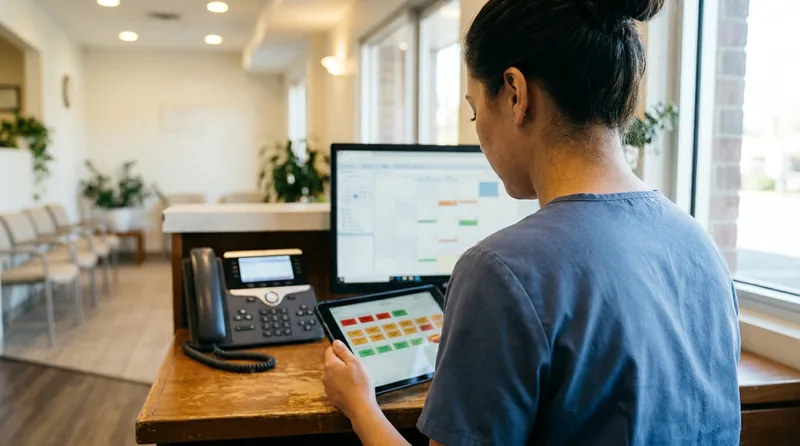
Review lunch calls the same afternoon: open the call list, handle emergencies first, return new-patient calls next, and close out every open request. A ten-minute routine keeps a short midday gap from turning into lost patients and missed bookings.
What does the daily review look like?
Work through the list in the same order every day:
- Open the lunch-window call list as soon as the first person is back at the desk.
- Handle emergencies and anything marked urgent first.
- Return new-patient calls next, because those callers are the most likely to try another office.
- Confirm that every booking or reschedule request is booked or has times offered.
- Note repeat questions and add them to your script or your AI receptionist's information.
- Record how many calls were answered, handed off, and left for callback.
How do you know the plan is working?
After two weeks, the counts tell you whether the plan works. If callbacks keep piling up, change the lunch plan, not the people. Our guides to dental call analytics metrics and AI receptionist call quality review explain what to track and how often.
What should you track each week?
Keep the tracking simple. Four numbers on one sheet are enough: calls answered, calls handed off, callbacks returned inside your window, and repeat questions. Treat the Dental Economics benchmark of 30% to 38% missed calls as a rough yardstick only, because your own lunch-hour counts tell you far more than a national range.
What should you do this week?
Dental office lunch break phone coverage works when it's boring: one owner, one script, one short review. Pick one option from the table this week, and test it at your busiest lunch window. Your front desk gets a real rest, and your callers get an answer.
Give your front desk a real lunch break
Browse guides on AI call support that backs up your team during lunch, after hours, and busy mornings.
Explore AI dental receptionist guides →Want more ways to ease the load on your team?
Browse practice management guides →Frequently Asked Questions
Whoever you assign in advance: a staggered team member, a rotating assistant, a live answering service, or an AI receptionist. The key is naming one owner for each lunch window, so the phone is never covered by whoever happens to be nearby.
Generally no. A closed line sends callers to voicemail or to another office, and a Dental Economics analysis already cites 30% to 38% of business-hours calls missed. If the team must pause, use a short greeting with a reopening time and an emergency path.
Route it right away. Your script should name an emergency path, such as the on-call line or a staff member, and the call should arrive with a short summary. The ADA's patient site advises calling the dentist and giving as much detail as possible.
Yes, if the AI receptionist is connected to your scheduling software and follows your scheduling rules. If it isn't connected, it records the request and your team books it after lunch. Confirm which setup you have before relying on it.
Open the lunch-window call list the same afternoon, work emergencies first, then new-patient calls, then routine requests. Log how many calls were answered, handed off, or left for callback, and adjust the script when the same question repeats.
Sources & References
- 1
- 2
- 3
- 4
- 5
- 6
Topics
Was this article helpful?
Written by
DentalBase Team
Expert dental industry content from the DentalBase team. We provide insights on practice management, marketing, compliance, and growth strategies for dental professionals.
