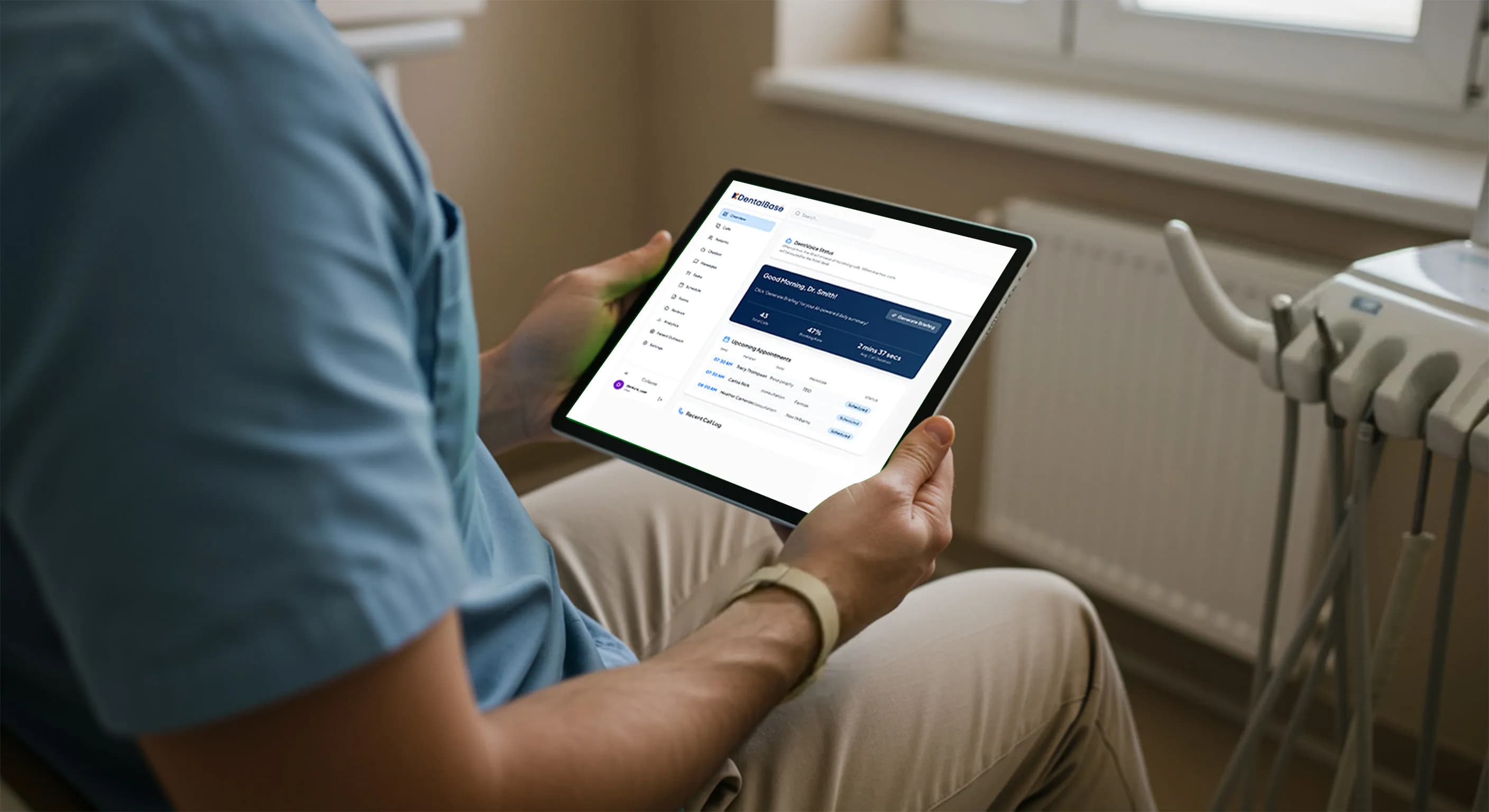
Automated Dental Scheduling for Modern Practices
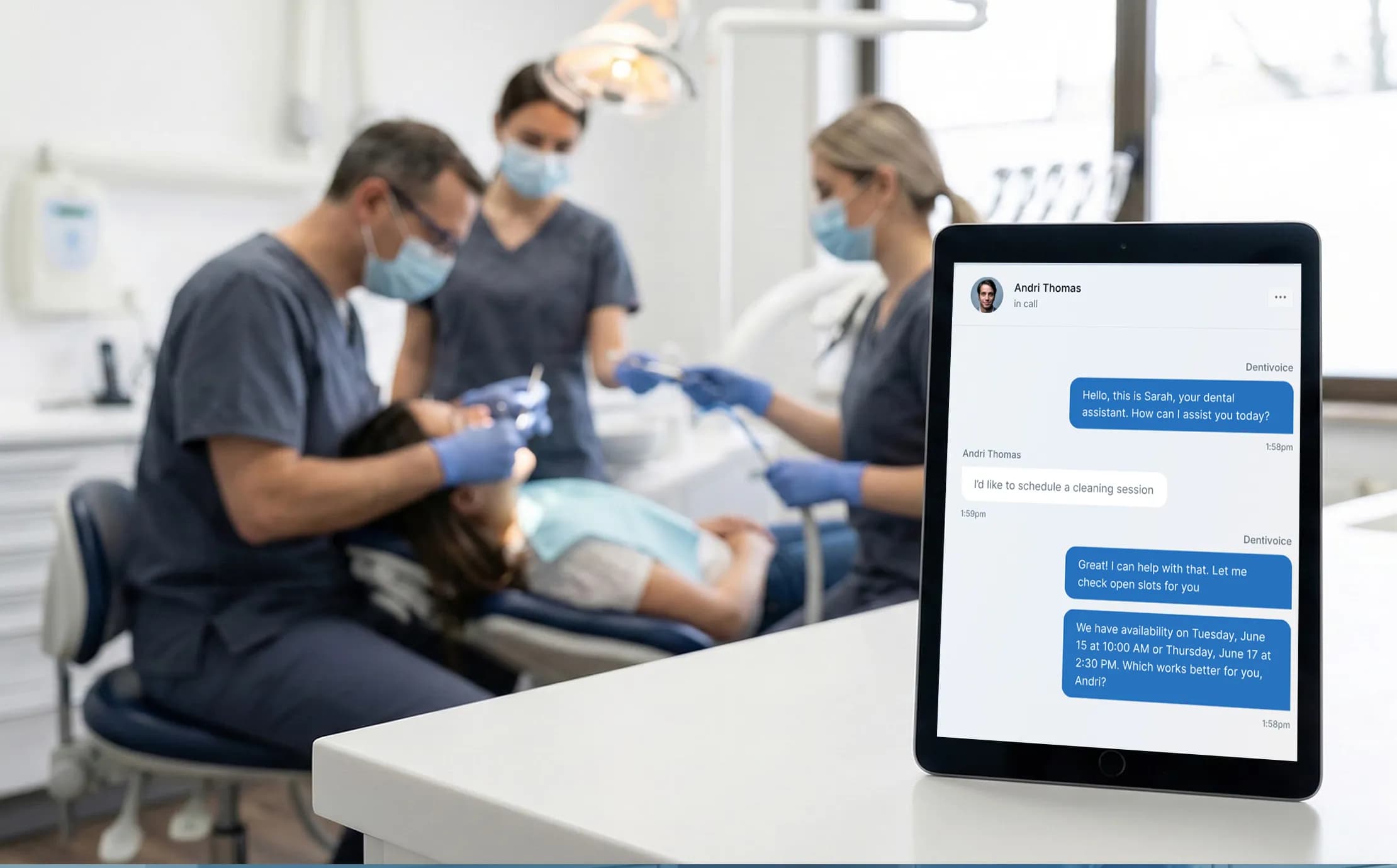
Automated dental scheduling reduces no-shows, fills empty chair time, and frees your front desk. See how it works, key features, and how to start.
Share:
Table of contents
Modern dental practices are under constant pressure to deliver excellent patient experiences while keeping operations lean. One of the biggest operational bottlenecks remains appointment management. Phone-based booking, manual reminders, and last-minute cancellations all drain time and revenue.
Automated dental scheduling offers a practical solution helping practices streamline bookings, reduce no-shows, and give staff more time to focus on patients instead of paperwork.
Here is the short version. A booking system that runs on its own keeps your calendar full, cuts the calls your front desk has to field, and gives patients a way to grab a slot at 10 p.m. on a Sunday. The practices seeing the biggest wins pair online self-booking with a real plan for the calls that still come in by phone. That mix is what this guide walks through.
What Is Automated Dental Scheduling?
Automated dental scheduling refers to software-driven systems that manage appointments without constant manual intervention. These platforms allow patients to book, reschedule, or cancel appointments online while automatically syncing with the clinic’s calendar and patient records.
Key capabilities often include:
-
Online self-booking 24/7
-
Automated reminders via SMS or email
-
Real-time calendar updates
-
Smart rescheduling and waitlists
The result is a smoother workflow for both patients and staff.
Think of it as the layer that sits between your phone, your website, and your practice management software. A patient picks a time online. The software checks provider availability, holds the slot, writes it to the calendar, and texts a confirmation. No sticky notes. No double-booked hygiene column. The same engine also handles the calls a website form never catches, which is why many offices run booking and phone coverage together rather than treating them as separate problems.
Related: Many bookings still start as a phone call, so the question of whether software can write that call straight into your schedule matters. See how AI books appointments inside dental software →
Why Manual Scheduling No Longer Works
Rising Patient Expectations
Today’s patients expect the same convenience from dental clinics that they get from banks, airlines, or retail apps. Calling during office hours to book an appointment feels outdated.
Administrative Overload
Front desk teams spend hours every day answering phones, confirming appointments, and handling no-shows. This repetitive work increases stress and limits productivity.
Revenue Leakage
Missed appointments and inefficient scheduling directly impact revenue. Empty chair time is one of the most expensive problems in dentistry.
Run the math on a single empty chair. A three-provider practice that loses four appointments a week to no-shows is not losing four slots, it is losing the production those slots would have generated, week after week. That gap rarely shows up as one big number. It bleeds out quietly. Reminders that go unanswered, voicemails no one returns, and callers who hang up before anyone picks up all feed the same leak.
The phone is often where it starts. When the line is busy or rolls to voicemail, the caller does not wait, they call the practice down the road. Voicemail quietly loses patients, and the fix is rarely hiring more staff to answer faster.
How Does Automated Scheduling Compare to Manual Booking?
Automated scheduling differs from manual booking in three places that matter most: when patients can book, how reminders go out, and what happens when someone cancels. Manual systems depend on staff being free during office hours. Automated ones do not. The table below lays out the practical differences.
When patients actually try to book
24/7
Automated booking stays open after the office closes
Up to 40%
Fewer no-shows when reminders and one-click confirm are on
0 calls
Routine bookings the front desk never has to pick up
| Task | Manual Scheduling | Automated Scheduling |
|---|---|---|
| Booking hours | Office hours only, by phone | 24/7 online and by phone |
| Reminders | Manual calls, easy to skip | Automatic SMS and email, one-click confirm |
| Cancellations | Slot often stays empty | Waitlist fills the gap automatically |
| Front desk load | Phone tied up during peak hours | Routine bookings handled without a call |
| After-hours calls | Voicemail, often unreturned | Answered and booked the same night |
The difference is not just speed. It is coverage. Your team only works so many hours. A patient deciding to switch dentists at midnight does not. Answering after-hours calls without hiring is what closes that window.
Benefits of Automated Dental Scheduling
Reduced No-Shows
Automated reminders significantly lower missed appointments. Patients are notified in advance and can easily confirm or reschedule with one click.
Reminders work because they remove friction. A text that lets a patient confirm with one tap, or move the appointment without calling, turns a likely no-show into a kept slot. The timing matters too. Most systems send reminders 24 to 72 hours out, with a nudge the morning of. Recall is its own job, and the messages that actually get a reply tend to be short, specific, and easy to act on.
Related: The wording and cadence of a recall message decide whether patients book or ignore it. See recall reminders that get answered →
Improved Patient Experience
Convenience builds loyalty. When patients can book anytime without calling, satisfaction and retention increase.
Patients notice the small things. A practice that lets them book at a glance, reschedule from a text, and skip the hold music feels modern. One that does not feels like a chore. That impression shapes reviews, referrals, and whether a first visit turns into a lifelong patient. Convenience is not a perk anymore. It is the baseline patients compare you against.
Better Staff Efficiency
Automation frees front desk teams from repetitive tasks, allowing them to focus on in-clinic patient care and higher-value activities.
Where the front desk day goes
Illustrative split of a typical front desk shift, before and after automating routine calls.
Before automation
After automation
Ask any front desk team what eats their day, and the phone tops the list. Every ring pulls someone away from a patient standing at the counter. When routine bookings, confirmations, and simple questions get handled automatically, the team is not replaced, they are freed up for the work that needs a human. That shift also lowers the daily grind that pushes good staff toward burnout.
The warning signs are easy to miss until someone quits. An overwhelmed front desk shows clear signals, and most of them trace back to a phone that never stops.
Optimized Chair Utilization
Smart scheduling tools can fill gaps automatically using waitlists or predictive availability, reducing downtime.
Key Features to Look For
Seamless Practice Management Integration
Your scheduling system should integrate with existing dental practice management software to avoid double entry and errors.
Multi-Channel Reminders
Look for platforms that support SMS, email, and even voice reminders to reach patients effectively.
Custom Scheduling Rules
Every practice is different. The system should support provider-specific availability, procedure durations, and buffer times.
HIPAA-Compliant Security
Patient data must be protected. Security and compliance should never be optional.
Compliance is not a feature you bolt on later. Any system touching patient data needs encryption in transit and at rest, access controls, and a signed business associate agreement. Ask vendors to show you theirs in writing. The same standard applies to how the system confirms who it is talking to. Verifying a caller without making them jump through hoops protects both privacy and the appointment.
Confirming caller identity without friction is part of getting this right, especially for offices fielding a high volume of calls.
How Automated Scheduling Supports Practice Growth
Automated dental scheduling is not just about convenience it’s a growth enabler. By improving patient access, reducing administrative friction, and increasing appointment adherence, practices can scale without adding staff.
For multi-location or growing practices, automation ensures consistency across clinics while maintaining a high standard of patient experience.
Growth usually stalls at the front desk before it stalls anywhere clinical. You can add a provider, but if the phone still rings out and the calendar still has holes, the new chair sits empty. Automation widens the funnel without adding headcount. More booked first visits, fewer dropped calls, and a schedule that fills its own gaps. For a practice running Open Dental or a similar platform, the booking layer should write straight into the system you already use.
Open Dental integrations show how that two-way sync works in practice, so a slot booked online never collides with one booked at the desk.
See it answer and book in real time
DentiVoice answers the calls your front desk misses and books them straight into your calendar, day or night.
See how DentiVoice works →Is Your Practice Ready to Automate Scheduling?
You are ready when your phone volume, your no-show rate, and your front desk workload all point the same direction. Run through the checks below. The more you tick, the more automation will move the needle for you right now.
Readiness check
Check each item that sounds like your practice.
Your score: count your checks out of 5. Three or more, and automation is worth a serious look.
If most of those landed, the bottleneck is not effort. It is hours in the day. Knowing what patients actually call about helps you decide which calls to automate first. The top dental call types in 2026 is a useful place to start that audit.
Getting Started with Automation
Transitioning doesn’t have to be disruptive. Many practices start by:
-
Enabling online booking for new patients
-
Adding automated reminders for existing appointments
-
Gradually optimizing schedules using data insights
With the right approach, automation becomes an extension of your team not a replacement.
The mistake practices make is trying to flip everything at once. Start small. Turn on online booking for new patients, watch how it goes for a couple of weeks, then layer in reminders and waitlists. Each step earns trust with your team before the next one lands. By the time you reach data-driven scheduling, automation already feels like part of how the office runs, not a system fighting against it. Picking the right software up front saves rework later.
A buyer guide for patient communication software walks through what to weigh before you commit, from integrations to reminder channels.
Frequently Asked Questions (FAQ)
What is automated dental scheduling?
It is a system that allows dental practices to manage appointments digitally through online booking, automated reminders, and real-time calendar updates.
Does automated scheduling reduce no-shows?
Yes. Automated reminders and easy rescheduling significantly reduce missed appointments.
Is automated dental scheduling secure?
Reputable platforms are HIPAA-compliant and designed to protect patient data.
Can small dental practices benefit from automation?
Absolutely. Small practices often see the fastest ROI due to reduced admin workload and better chair utilization.
Will patients adopt online scheduling?
Most patients prefer it. Offering online booking meets modern expectations and improves satisfaction.
Automated dental scheduling is no longer a luxury it’s a practical requirement for modern practices aiming to operate efficiently and gow sustainably. By adopting the right tools, dental clinics can create a smoother experience for patients and a more manageable workflow for staff.
Stop letting the phone decide who books
DentiVoice answers every call, books appointments around the clock, and hands your front desk back their day.
Explore DentiVoice →Frequently Asked Questions
Yes. Many modern dental offices offer online scheduling that lets you book, reschedule, or cancel appointments 24/7. You simply choose an available time that works for you, and the system confirms it instantly without needing a phone call.
Most automated scheduling systems send reminders by text message or email, typically 24–72 hours before your appointment. These reminders often include a one-click option to confirm or reschedule if something comes up.
Reputable dental scheduling platforms are HIPAA-compliant and use encryption to protect your data. If your dental office offers online booking, it should meet the same privacy and security standards as their in-office systems.
In many cases, yes. Automated scheduling tools allow patients to reschedule instantly based on real-time availability, often helping the office fill the opening so you avoid long phone waits or missed appointments.
Most practices start in days, not months. Many enable online booking for new patients first, then add reminders and waitlists once the team is comfortable, so the rollout never disrupts daily operations.
No. It handles repetitive bookings, reminders, and after-hours calls so your team can focus on in-person patients and higher-value work. The goal is to support staff, not remove them.
Sources & References
- 1
- 2
- 3
- 4
- 5
Topics
Was this article helpful?
Written by
DentalBase Team
Expert dental industry content from the DentalBase team. We provide insights on practice management, marketing, compliance, and growth strategies for dental professionals.