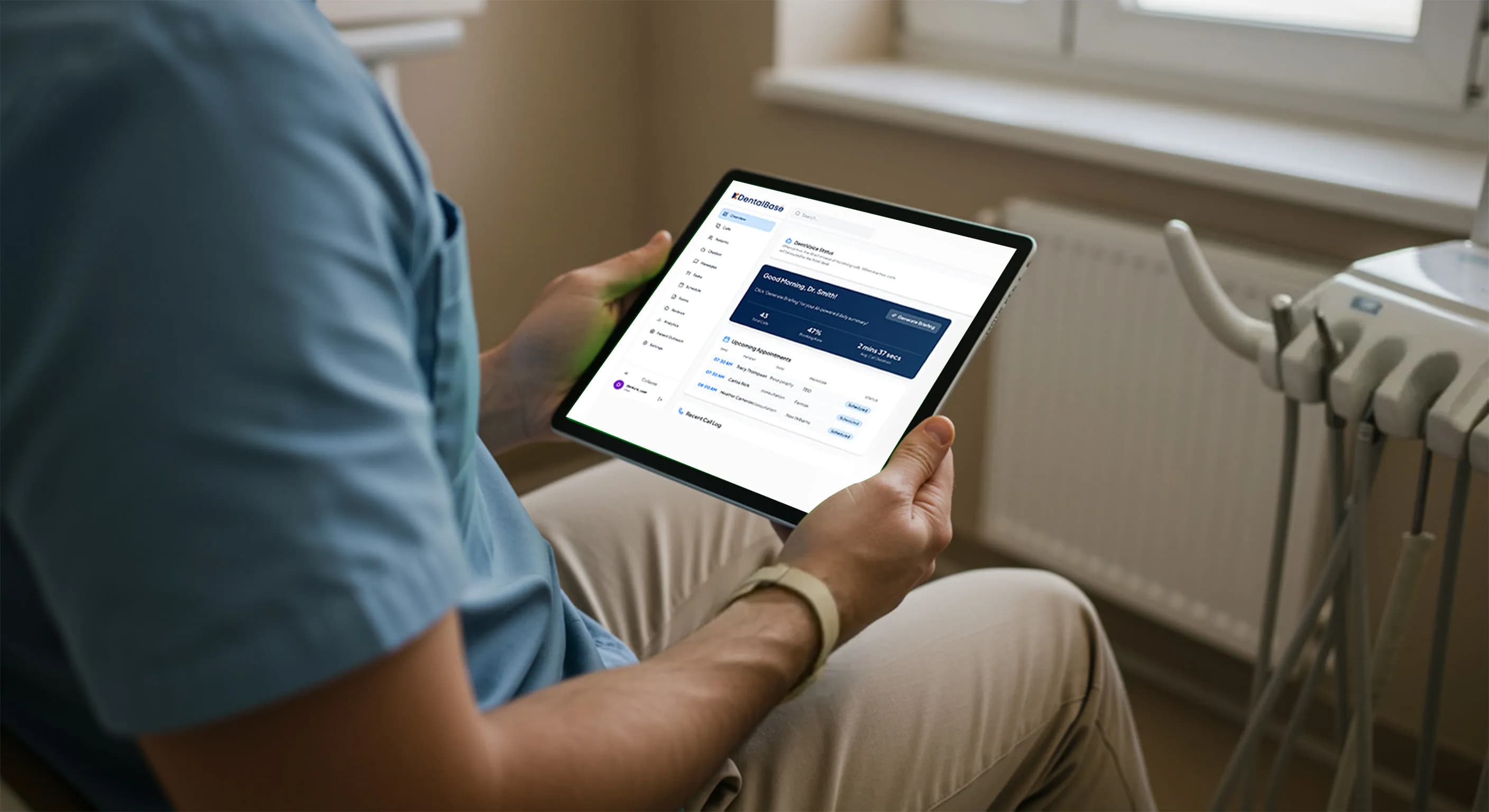
AI Receptionist for Solo Dental Practices: A Sizing Guide
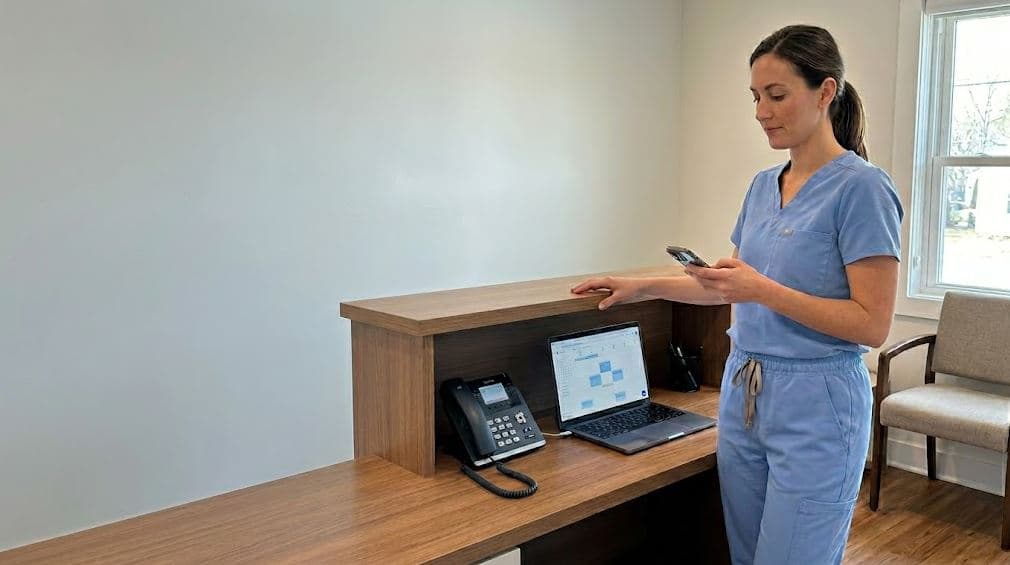
An AI receptionist solo dental practice guide: what to configure, what to skip, real cost benchmarks, and a 14-day rollout for one-doctor offices.
Share:
Table of contents
An AI receptionist solo dental practice deployment does not need the same setup as a 12-location DSO. Most of the guidance online assumes high call volume, multiple providers, and a call center mindset. A single owner-dentist works under different math.
Your practice might field 40 to 90 inbound calls a week, not 600. You answer to yourself, not a regional manager. Your scheduling rules fit on one screen. That changes which features earn their keep and which ones just add cost.
This guide sizes an AI phone setup down for one-doctor and two-doctor offices: what to configure, what to skip, realistic budget benchmarks, and a 14-day rollout you can run between patients.
What does an AI receptionist solo dental practice setup need?
A solo practice needs an AI receptionist to answer every call, book routine appointments, and route true emergencies to the dentist. Nothing more elaborate. An AI receptionist solo dental practice setup should capture the new-patient calls and recall confirmations your one front-desk person misses while chairside or at lunch.
Here's the thing. In a single-provider office, the front desk is often one person. When that person is verifying insurance, checking out a patient, or simply away from the desk, the phone goes unanswered. A Health Policy Institute analysis from the American Dental Association has long tracked how new-patient flow drives solo-practice revenue, and a missed first call usually means that patient calls the next office on their list.
So the core job list is short. Answer 24/7. Book and reschedule. Confirm recalls. Take messages with structured details. Flag anything urgent to you directly. Get those five right and you've solved most of the problem.
And the stakes are real for a single owner. Public health data from NIDCR shows how common untreated decay remains, which means a meaningful share of your inbound calls are people in discomfort who will not wait on hold. Miss them and they book elsewhere. A patient who reaches a voicemail at 7 p.m. rarely calls back the next morning.
Related: Voicemail quietly drains new-patient calls. Here is what to use instead. Why voicemail loses patients →
Is your phone the bottleneck?
If calls go to voicemail while you are chairside, you are likely losing new patients you never hear about. See the common causes and fixes for a single-line practice.
Read why the phone stays busy →How is AI reception different for a one-doctor practice vs. a DSO?
The difference is scale, escalation, and rules. A DSO needs load balancing across locations, manager dashboards, and complex routing trees. A solo practice needs the opposite: low overhead, one calendar, and the owner-dentist as the single escalation point. Simpler is not weaker. It's right-sized.
DSO deployments justify call-center features because they handle thousands of calls and many providers. When you run one operatory schedule, those same features become configuration you maintain for no return. The table below shows where the two setups diverge.
| Factor | Solo / Two-Doctor | DSO / Multi-Location |
|---|---|---|
| Weekly call volume | 40 to 90 | 500+ |
| Escalation point | Owner-dentist's cell | On-call team / manager queue |
| Scheduling logic | One calendar, simple rules | Multi-provider, multi-chair routing |
| Reporting need | Weekly summary | Live dashboards by site |
| Setup time | A few days | Weeks of rollout |
Read this as permission to start small. You can run a capable AI phone setup with a one-page configuration. According to staffing data from the U.S. Bureau of Labor Statistics, front-office wages keep climbing, which makes a lean answering layer more attractive for a budget-conscious owner.
What should a solo practice skip?
Skip features built for scale: multi-location routing, advanced IVR trees, custom analytics dashboards, and per-provider call queues. For one or two dentists, these add monthly cost and setup friction without changing how many patients you book. Start with answering, booking, and emergency routing.
It's tempting to buy the full package. Vendors price tiers around DSO needs, and the top plan always looks safer. But the reality is that a deep IVR menu frustrates the patient who just wants to book a cleaning. And a multi-site dashboard tracks data you don't generate.
- Complex IVR menus. A solo line should connect or book, not present five branches. Patients abandon long menus.
- Per-provider queues. With one or two dentists, a single shared calendar is simpler and harder to break.
- Live multi-location dashboards. You need a weekly summary you actually read, not a real-time wall of metrics.
- Outbound campaign suites. Useful later. Not on day one for a single-provider office.
Spend your attention on the parts patients touch: a natural greeting, accurate booking, and a clean handoff for emergencies. Everything else can wait until volume justifies it.
Knowing what your callers actually want helps you decide. Most solo-practice calls cluster into a handful of types: new-patient inquiries, reschedules, recall confirmations, billing questions, and the occasional emergency. Configure for those five, and you cover the vast majority of real traffic without buying a feature for every edge case.
Related: Want to see what patients actually call about before you configure anything? Top dental call types →
Related: If you are weighing features against price, the buyer guide breaks down what actually matters for a small office. Compare what to prioritize →
How much does an AI receptionist cost for a small dental office?
Most AI receptionist plans suited to a solo or two-doctor practice run roughly $200 to $600 per month, depending on call volume and integration depth. That is well below the loaded cost of an additional part-time front-desk hire, which is why owners adopt it as overflow and after-hours coverage first.
Compare the line items honestly. A part-time receptionist carries wages, payroll taxes, training, and turnover. Bureau of Labor Statistics figures put median receptionist pay in a range that, fully loaded, often exceeds $35,000 a year for a single role. An AI layer covering nights and overflow sits in a different budget tier.
| Coverage model | Typical monthly range | Fits |
|---|---|---|
| After-hours only | $150 - $300 | Practices that staff days well |
| Overflow + after-hours | $250 - $500 | Most solo offices |
| Full front-line answering | $400 - $600+ | High-call or no-front-desk setups |
Start with overflow plus after-hours. It captures the calls you're already losing without disrupting your existing front desk. As Dental Economics has reported on practice staffing, hiring pressure on small offices keeps rising, which shifts the cost comparison further toward automation for routine calls.
Right-size your AI phone budget
See how one-doctor and two-doctor practices configure DentiVoice for overflow and after-hours coverage without paying for DSO-grade features.
Explore AI receptionist guides →Who handles escalations when you're the only dentist?
In a solo practice, the owner-dentist is the escalation point. The AI receptionist should screen for true emergencies, such as severe pain, swelling, or trauma, and route only those to your cell while booking everything routine into the calendar. This keeps your phone quiet without missing the calls that matter.
This is where solo configuration differs most from a DSO. A larger group routes urgent calls to an on-call rotation or a triage nurse. You don't have that. So the rules need to be precise: what counts as urgent, when it reaches you, and what the AI says to a non-urgent caller at 9 p.m.
A workable solo escalation rule looks like this. During hours, the AI books and confirms. After hours, it answers, books routine requests, and texts you only for symptoms that meet your emergency definition. The CDC's oral health guidance makes clear why untreated dental pain and infection should not wait, which is exactly the call you want reaching you fast. If you have wondered whether you can cover after-hours calls without hiring, this is how a single owner does it.
Set your emergency definition once
Write a short list: uncontrolled bleeding, facial swelling, knocked-out tooth, severe unmanaged pain. Anything on the list pages you. Everything else gets booked or queued for the morning. One clear list prevents both midnight false alarms and missed real ones.
Related: For how AI separates urgent from routine before a call ever reaches you, this routing breakdown helps. See how AI triages calls →
A 14-day rollout plan for solo and two-doctor practices
A solo practice can launch an AI receptionist in about two weeks. The plan is simple because the setup is simple: connect the phone, define booking rules, set your emergency escalation, test it, then go live on after-hours first. No project manager required.
Treat the first week as configuration and the second as supervised live use. You'll adjust wording and rules as real calls come in. That said, don't over-engineer day one. Get the basics answering calls, then refine.
Days 1 to 5: Configure
- Connect your business line or set call forwarding for after-hours and overflow.
- Load your calendar and define booking rules: appointment types, durations, and buffer time.
- Write your greeting in your own voice and your emergency escalation list.
Days 6 to 10: Test
- Place test calls for the top scenarios: new patient, reschedule, recall, after-hours emergency.
- Confirm bookings land correctly in your software and that urgent calls reach your cell.
- Check the message format so every voicemail-style note has name, number, and reason.
Days 11 to 14: Go live
- Turn it on for after-hours and lunch overflow first, the lowest-risk window.
- Review the week's call summary and tighten any rule that misfired.
- Expand to daytime overflow once you trust the booking accuracy.
By day 14 you should have measurable proof: calls answered that used to roll to voicemail, and appointments booked outside business hours. That's the whole point of a right-sized rollout.
Keep the review honest with a few numbers. Track answer rate, after-hours bookings, and how many calls escalated to you. If escalations are noisy, tighten the emergency list. If bookings lag, check the calendar rules. A short weekly look is enough for a solo office.
Related: A handful of call metrics tell you whether the rollout is working. Call analytics that matter →
Related: New to how AI books directly into your schedule? Start here. How AI books appointments →
Conclusion
An AI receptionist for a solo dental practice pays off when you resist the urge to buy DSO-scale features. Your office runs on one calendar, one escalation point, and a short list of calls that actually need answering. Match the tool to that reality.
Start narrow. Cover after-hours and overflow, route true emergencies to your cell, and let the AI book the routine appointments you're currently missing. Review one weekly summary and adjust. That's a setup a single owner can run and trust.
Your next step is concrete: write your emergency escalation list and map your three most common call types. With those two documents, you can configure and launch in the 14-day window above. Still have questions? The 30-question AI receptionist FAQ covers the details most owners ask before going live.
See AI reception built for a single-provider practice
DentiVoice answers, books, and routes emergencies for solo and two-doctor offices, without the cost and complexity of multi-location systems.
Browse the AI receptionist library →Frequently Asked Questions
Yes, for most solo offices an AI receptionist pays off by capturing after-hours and overflow calls that currently roll to voicemail. At $200 to $600 per month, it costs less than a part-time front-desk hire while answering 24/7.
Plans suited to a solo or two-doctor practice typically run $200 to $600 per month, based on call volume and integration depth. After-hours-only coverage starts lower, around $150 to $300, and full front-line answering sits at the top of the range.
No. In a solo dental practice, an AI receptionist supports your front desk by handling overflow, after-hours, and routine bookings. Your team stays focused on chairside and in-person patients while the AI covers calls they would otherwise miss.
Skip multi-location routing, deep IVR menus, per-provider call queues, and live analytics dashboards. These are built for DSO scale and add monthly cost without changing how many patients a single-provider office books.
The AI screens for true emergencies, such as severe pain, swelling, or trauma, and texts only those to the owner-dentist's cell. Everything routine gets booked or queued for the morning, so your phone stays quiet without missing urgent calls.
About two weeks. You configure the phone connection, calendar, and escalation rules in the first five days, test the top call scenarios through day 10, then go live on after-hours and overflow before expanding to daytime coverage.
Yes. An AI receptionist books and reschedules directly into your single calendar using rules you define for appointment types, durations, and buffers. With one provider, the booking logic stays simple and reliable.
Sources & References
- 1
- 2
- 3
- 4
- 5
- 6
Topics
Was this article helpful?
Written by
DentalBase Team
Expert dental industry content from the DentalBase team. We provide insights on practice management, marketing, compliance, and growth strategies for dental professionals.