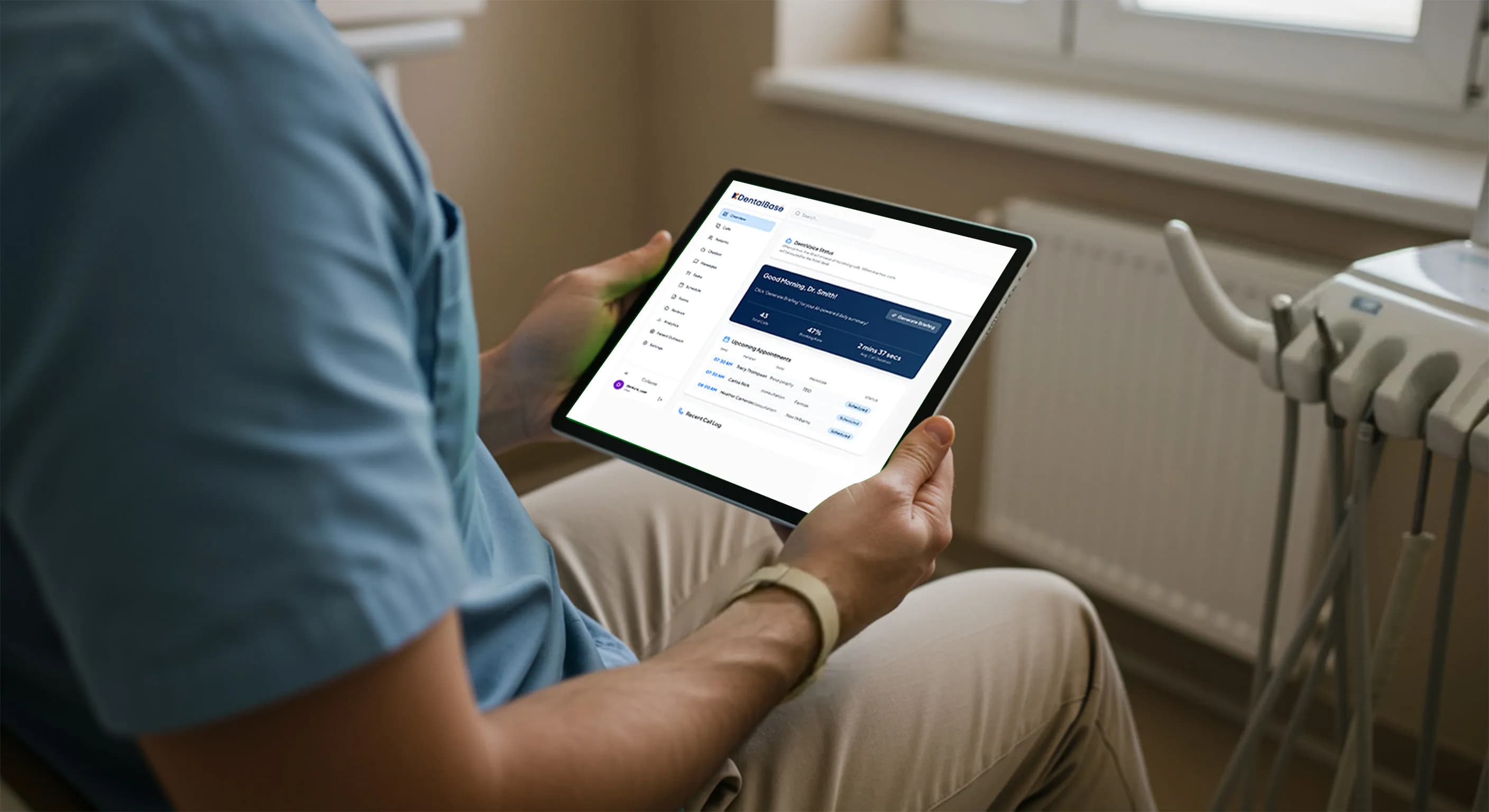
How to Operate an AI Voice Receptionist in a Dental Practice
Learn to operate an AI voice receptionist in your dental practice: setup, staff handoff, FAQ training, call monitoring, and scaling across locations.
Share:
Table of contents
Most conversations about AI voice receptionists focus on whether to buy one. This guide covers how to operate an AI voice receptionist in a dental practice once you have committed, what day-to-day management looks like, what setup actually takes, and what keeps performance strong long-term. If you are still evaluating which coverage approach fits your practice, start with the comparison of dental phone coverage models and come back here when you are ready to run one. For the step-by-step rollout itself, from choosing a HIPAA-compliant platform to training staff before go-live, see the full guide to implementing an AI receptionist in your dental office.
According to the ADA Health Policy Institute, phone handling is a primary driver of new patient acquisition for independent dental practices, which means any AI managing those calls needs to be set up and maintained with the same care as the front desk itself.
What Does It Actually Mean to Operate an AI Voice Receptionist?
Operating an AI voice receptionist means maintaining the inputs that drive its outputs, keeping schedule data accurate, FAQ answers current, and staff handoff rules calibrated to how your practice runs. The AI performs exactly as well as the information you feed it, so the real work is information governance, not technology management.
In practical terms, operating the system breaks into three ongoing responsibilities: keeping the knowledge base accurate, monitoring call logs to catch routing errors before they affect patient volume, and updating handoff rules as staff roles or call volumes shift. Understanding the dental patient phone experience from the caller side clarifies why accuracy matters so much, patients calling a dental practice are often anxious or in pain, with a narrow window to book. An AI that gives a wrong hour or routes to the wrong person does not get a second chance with that caller.
Practices that treat these three responsibilities as background tasks rather than active management see performance degrade quietly over weeks, not dramatically on day one.
Practices that are still deciding which platform to run can start with a comparison of the platforms worth shortlisting in 2026.

How Should You Configure the System Before Going Live?
Configuration is the foundation everything else runs on. Rushing this phase is the single most common cause of early operational problems. Three layers must all be complete and verified before the first live call: schedule and provider data, call flow rules, and staff handoff triggers.
If you want a concrete timeline rather than an open-ended checklist, a full setup plan built around getting operational in one week maps these same three layers onto specific days.
Schedule and provider data covers hours of operation for each day and provider, recurring closures, and which providers accept new patients versus existing patients only. This feeds the AI's booking and scheduling answers directly, one incorrect hour produces wrong answers on every call that asks about availability.
That schedule data usually comes straight from your practice management system. This AI dental receptionist Denticon integration guide shows how that sync is configured when Denticon is the system feeding it.
Call flow rules define the sequence a caller hears and the logic that routes them to the right outcome. Most platforms provide a default flow covering common dental call types. Your job is to map your actual call volume to that default and adjust where your practice diverges. Research on why patients abandon dental booking calls shows that unclear routing and premature dead-ends are the two most common friction points, both are fixable at the configuration stage.
Staff handoff triggers specify exactly when the AI transfers a call versus takes a message. This is the most operationally sensitive setting in the system. Define triggers by call type and time of day: emergency calls always transfer immediately; insurance disputes transfer during business hours and take a message after hours; complex scheduling requests transfer to the coordinator. The more specific the rules, the fewer edge cases staff handle manually after launch.
- Day 1-2: Import or enter all schedule, provider, and service data. Verify hours for each day, each provider, and each service category.
- Day 3: Configure call flow routing rules. Walk through every major call type and confirm the AI routes it correctly.
- Day 4: Set staff handoff triggers. Test each type with a live test call before moving to FAQ training.
- Day 5: Begin FAQ training. Prioritize the 20 questions your front desk answers most often.
- Day 6-7: Run full team orientation, do final test calls with staff playing callers, and confirm the go-live date.
How Does the AI Handle What Callers Actually Hear?
The caller experience is shaped by two things you control: the AI's voice quality and the accuracy of what it says. Both need deliberate configuration, a technically correct call flow delivered in a stilted or robotic voice still damages patient trust and drives callers to hang up before booking. Getting this piece right is central to how technology improves the dental patient experience from the first ring onward.
Voice quality starts with understanding what callers respond to. The research on what makes an AI dental voice feel natural comes down to prosody, pacing, and how the system handles unexpected questions. A natural-sounding voice keeps callers engaged long enough to get the answer they called for. The companion work on the dental phone greeting documents that the first seven seconds of any call, AI or human, determine whether the caller stays on the line. Configure your AI's opening prompt to state the practice name, confirm the caller reached the right place, and move to the first question without delay. Once that opening is dialed in, this guide to evaluating AI receptionist voice customization covers how to judge the options in more depth.
Hold time is the second major dropout point. Patients who experience hold time or call friction abandon calls at rates that directly translate to lost bookings, the same dynamic applies when an AI keeps a caller waiting while it processes a routing decision. Keep AI response latency under two seconds per turn, and configure a fallback prompt for any pause longer than that.
How Do You Train the AI on Your Practice FAQs and Policies?
FAQ training is how the AI learns to answer questions specific to your practice. General dental knowledge is built into the platform. Practice-specific knowledge, accepted insurances, new-patient process, cancellation policy, parking instructions, must be entered manually and kept current through ongoing updates.
Start by auditing your existing FAQ sources: your website FAQ page, the questions your front desk fields daily, and any new-patient intake forms. According to research on AI integration in healthcare operations, knowledge base completeness is the strongest predictor of AI system accuracy in patient-facing applications, more so than the underlying model architecture. Group questions into five categories: scheduling and availability, insurance and billing, services and procedures, location and access, and general practice policies. Aim for 20-30 per category for a practice seeing 80 or more patients per week.
- Insurance questions are the highest-volume FAQ category and the most time-sensitive to keep accurate. Update insurance acceptance lists every time a provider contract changes.
- New-patient process questions directly affect booking conversion. Include what to bring, how long the first appointment runs, and what happens if insurance is not verified before the visit.
- Emergency guidance questions require a separate escalation path, configure these to trigger the emergency transfer flow rather than answering as routine FAQs.
- Location and parking questions are among the most-searched dental queries and often missing from FAQ banks. Include cross-streets, parking structure names, and accessibility entrance locations.
Assign one staff member, typically the office manager, ownership of the FAQ bank. That person updates entries within 48 hours of any service, provider, or policy change. Without a clear owner, FAQ accuracy drifts and patients receive outdated answers about insurance acceptance or availability.
What Staff Handoff Protocol Should You Put in Place?
A staff handoff protocol defines when the AI passes a call to a human, what information it transfers with the call, and what the receiving staff member does next. Getting this right is the difference between an AI that genuinely reduces front-desk load and one that creates a secondary queue staff must clear every hour.
The core of a good handoff protocol is specificity. Vague rules like "transfer complex calls" produce inconsistent behavior. Specific rules like "transfer any caller who mentions pain, swelling, or a broken tooth immediately to the on-call line, regardless of time of day" produce consistent, auditable behavior. Define each trigger by call type, keyword, or caller intent, not by subjective complexity.

| Call Type | AI Action | Handoff Trigger |
|---|---|---|
| Dental emergency | Immediate transfer | Pain, swelling, broken tooth keywords |
| Insurance dispute | Transfer during hours / message after hours | Billing team keyword |
| New patient scheduling | AI handles booking or transfers to coordinator | Complex insurance, specific provider request |
| Recall / reactivation | AI books or logs callback task | Patient declines AI booking, requests callback |
| General FAQ | AI answers and closes call | No transfer needed |
Emergency call escalation deserves special attention. Distress language varies widely, callers may not use clinical words like "abscess" or "fracture." Configure emergency trigger keywords to include colloquial terms like "my tooth is killing me" and "I can't sleep." For a full breakdown of how emergency calls unfold and what patients need to hear, see the guide on handling worried patients on a dental emergency call. None of these triggers stick if the team reviewing them wasn't part of the rollout conversation. See how to bring dental staff into an AI receptionist rollout for the orientation step that should come before this protocol goes live.
How Do You Monitor AI Call Quality After Launch?
Post-launch monitoring is where most practices under-invest. Going live is not the end of operating an AI voice receptionist, it is the start of the measurement phase. Four metrics reliably predict whether the system is performing at a level that justifies its role in your call handling operations. This full KPI guide for measuring AI receptionist success goes deeper into how to read those four metrics over time.
Containment rate measures the percentage of calls the AI handles from start to close without a human transfer. A well-configured system should contain 60-70% of calls after the first 30 days. A rate below 40% usually means FAQ coverage is thin or handoff triggers are too broad. According to BrightLocal consumer communication research, callers who cannot resolve their query on a first contact are significantly less likely to rebook, making containment rate a direct proxy for patient retention impact.
Transfer accuracy measures whether transferred calls land with the right staff member on the first attempt. Review misrouted transfers in the weekly call log and adjust the specific handoff trigger that caused each one.
Booking conversion rate for AI-handled scheduling calls should be tracked separately from your overall conversion. If patients reach the AI and abandon before completing a booking, friction usually lives in one of three places: the AI asks for too much information before confirming the slot, the available-times answer is inaccurate, or the AI's pacing causes the caller to disengage. According to HubSpot customer service benchmarks, callers who reach resolution on the first attempt complete transactions at far higher rates.
Patient-reported confusion rate is the least quantitative but often the most actionable. Flag any call where the caller says "I didn't understand" or "let me speak to someone" more than once. These calls point to a specific FAQ answer that is too long, a prompt that is ambiguous, or a routing path that does not match caller expectations. Fix them at the source.
Review these four metrics weekly for the first 90 days. After that, monthly review is sufficient for stable high-volume practices; smaller practices or those with seasonal call volume swings should stay on weekly review permanently.
What Should You Update and When to Keep Performance Strong?
An AI voice receptionist performs best when its knowledge base matches the current state of your practice. Three categories of change require an immediate update to keep the AI accurate and maintain patient trust.
First, provider changes: when a provider joins, leaves, goes on leave, or changes their schedule, the AI's booking logic must reflect that before the first patient calls about it. Stale provider data produces booking errors that are operationally disruptive and damage patient relationships.
Second, insurance contract changes: when you add or drop a payer, update the accepted insurance list that day. Insurance questions are among the highest-volume dental call types. An AI that tells a patient you accept their plan when you do not will not recover that patient's confidence. This is especially costly for practices running dental reactivation call campaigns to win back patients, an insurance error on a re-engagement call undoes the entire outreach effort. Practices managing outbound calls to recover lost dental patients face the same risk: the AI and the outbound effort must carry the same accurate insurance information or the campaign credibility collapses.
Third, seasonal and policy changes: holiday hours, new patient protocols, parking changes, and policy updates all feed into call answers. Build a quarterly review into your operations cadence and set a recurring task to audit the AI's FAQ bank and call flow rules at the start of each quarter.
Maintenance Checklist (Quarterly)
Verify all provider schedules and availability rules. Update accepted insurance list. Confirm holiday and closure hours. Review and refresh top-20 FAQ answers. Audit handoff trigger keywords for accuracy. Check booking conversion rate trend. Review call containment rate and adjust if outside the 60-70% target range.

How Do You Scale an AI Receptionist Across Multiple Locations?
To operate an AI voice receptionist across multiple locations, apply the same configuration logic as a single site with location-specific overrides on top of a shared core. The core, FAQ bank, handoff rules, practice identity, stays consistent across sites. Each location's hours, providers, and insurance panels are maintained separately.
The most efficient multi-location architecture assigns one staff member at each site as the local AI operations owner, with a centralized manager holding authority for system-wide changes. This prevents configuration drift, where locations accumulate different versions of the same FAQ answers and no one knows which version is current.
Call routing must account for inter-location transfers. When a patient calls one location but needs an appointment at another because the first has no availability, the AI should proactively offer the transfer rather than simply telling the patient no slots are open. Practices managing after-hours coverage across locations should also review the dental after-hours call strategy framework to ensure each site's unique after-hours routing needs are covered. For practices still sizing AI coverage by location type, the AI receptionist sizing guide for solo dental practices provides a useful baseline for comparison. The National Institute of Dental and Craniofacial Research notes that multi-site dental practices face distinct coordination challenges that technology systems must account for at a structural level.
Is Your Practice Ready to Operate an AI Voice Receptionist Long-Term?
Operational readiness for an AI voice receptionist is not a one-time assessment but a set of ongoing habits. Practices sustaining high performance over 12 months share three traits: a named owner for the knowledge base, regular call metric reviews, and treating the AI as a dynamic system that requires ongoing input, not a static tool that runs itself.
The initial setup week is demanding but finite. The ongoing maintenance burden is low for practices with clear ownership, typically 30-60 minutes per week for log review and 2-3 hours per quarter for a full FAQ audit. That investment is modest relative to the front-desk hours the system returns. For the full picture of how AI fits into broader phone operations, see the complete guide to dental phone coverage and the companion resource on the dental patient phone experience.
Ready to see DentiVoice in your practice?
Schedule a walkthrough and see how the system operates from day one through full deployment.
Book a DemoRelated: Booking errors need a named owner and a time window inside that operating rhythm. the detect, recover, repair, and reconfigure workflow for wrong appointment types →
Frequently Asked Questions
Most dental practices complete setup in 5-7 business days. The main phases are system configuration, FAQ training, and staff handoff protocol setup. Going live before staff handoff rules are finalized is the most common cause of early call-routing errors.
One designated staff member-typically the office manager-should own AI content updates. That person updates the system whenever services change, providers join or leave, or insurance policies shift. Without a clear owner, FAQs drift and AI answers become unreliable.
When a caller's question falls outside the AI's trained scope, the system transfers the call to a staff member using the handoff rules you configured. If no staff are available, the AI takes a message and routes the callback task to the right team member based on call type.
Yes, but emergency calls require a specifically configured escalation path. The AI identifies distress language and immediately transfers to an on-call provider or provides the emergency line number. It does not attempt to schedule or triage clinically.
Review the call log dashboard weekly, focusing on containment rate, transfer accuracy, booking conversion, and calls flagged for patient confusion. Most platforms surface these four metrics directly in the dashboard view.
Multi-location operation uses a shared core configuration with location-specific overrides for hours, providers, and local service offerings. Each location gets its own call routing number and its own call log view for performance monitoring.
The operational best practice is to configure the AI to identify itself clearly at the start of the call. Patients who know they are speaking with an AI tend to ask cleaner, more direct questions, which improves answer accuracy and reduces transfer rates.
Sources & References
- 1
- 2
- 3
- 4
- 5
Topics
Was this article helpful?
Written by
DentalBase Team
Expert dental industry content from the DentalBase team. We provide insights on practice management, marketing, compliance, and growth strategies for dental professionals.