Dental Patient Communication Software 2026 Buyer Guide
Evaluating dental patient communication software in 2026? See the unified inbox criteria, PMS sync requirements, and demo questions that matter.
Share:
Table of contents
Your front desk is closing out the morning. A patient calls asking about the text she got yesterday. The receptionist who sent it is at lunch. The reminder went out from one platform, the patient replied to a different number, and the admin is opening three tabs to find the conversation.
This is the problem dental patient communication software is supposed to solve.
The category exists because dental practices in 2026 talk to patients across five channels at once. Inbound calls. Outbound SMS. Web chat from the website. Email. Sometimes social DMs. Platforms that work consolidate all of it. Ones that don't add another silo.
This guide covers what dental patient communication software actually includes, the seven buying criteria that separate real platforms from glorified texting apps, how PMS integration breaks, and the questions worth asking before you sign anything.
What Is Dental Patient Communication Software?
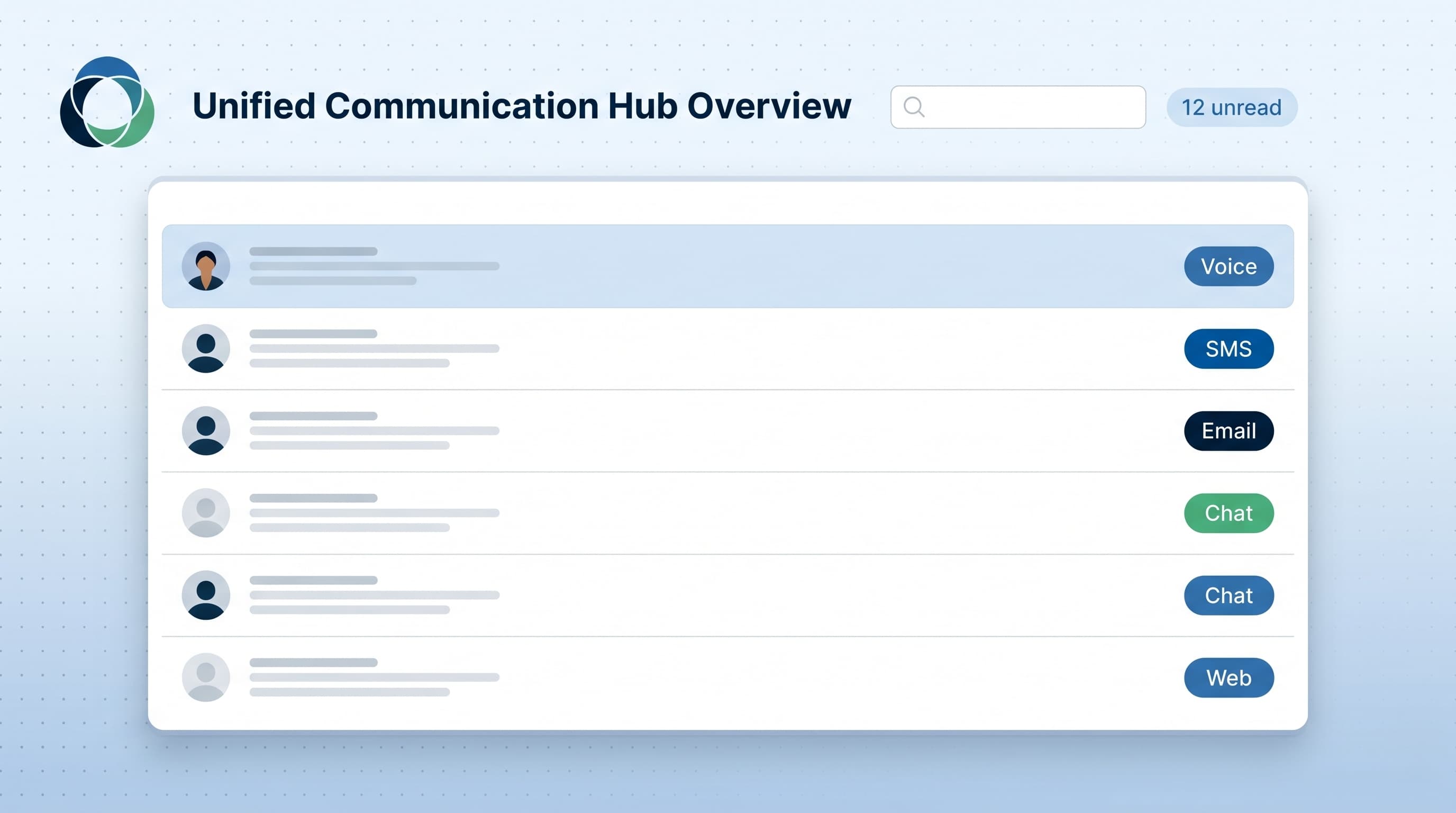
Dental patient communication software is a platform that consolidates every patient touchpoint (calls, SMS, web chat, email, and reminder messages) into one inbox tied to your practice management system. It gives the front desk a single view of every conversation, regardless of the channel it started on.
The category sits between three older buckets: practice management systems (Open Dental, Dentrix, Eaglesoft), standalone texting tools, and call answering services. None of those three solves the problem on its own.
Your PMS holds appointments, ledgers, and chart notes. It rarely handles two-way patient messaging well. Standalone texting tools cover SMS, but they don't see your phone calls or web chats. Call answering services handle the phones, but they sit outside your messaging stack.
A real dental patient communication software platform sits across all three, with a write-back to the PMS so the appointment, the note, and the conversation thread reference the same patient record. According to the ADA Health Policy Institute, dental practices are managing growing operational complexity as patient volume and communication channels expand.
How to tell if you already have it
Run this test. Open the file of a patient who confirmed an appointment by text last week. Can you see the text thread, the call from yesterday, and the email from the day before in one place? If not, you don't have communication software. You have communication tools.
Why a Unified Inbox Eliminates the "Who Talked to This Patient Last?" Problem
A unified inbox shows every team member who touched a patient's record, when, and what was said, across calls, texts, and chats. That visibility kills the "who talked to this patient last?" question and the awkward calls where two staff reach out to the same patient about the same thing.
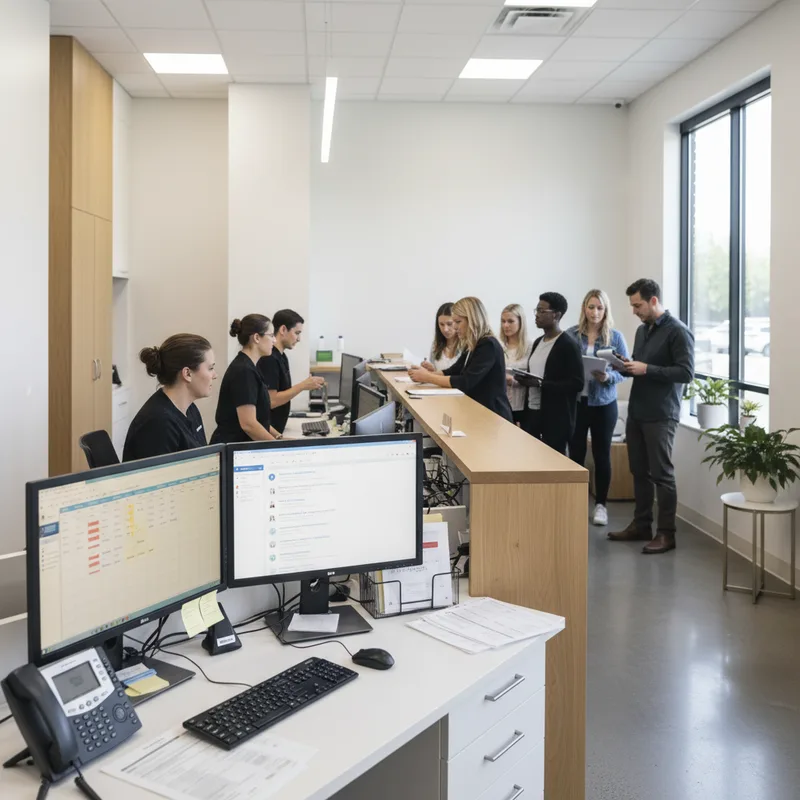
The fragmentation problem is real. A three-provider practice receiving 200 calls a week typically uses one app for confirmations, another for recall reminders, a third for the website chat widget, and the PMS for chart-level notes. Patients reply to whichever number last messaged them. The front desk plays detective. Consolidating that patchwork usually starts with the confirmation piece, and this breakdown of automated appointment confirmation tools is a good place to start.
Industry publications like Dental Economics have consistently flagged front desk burnout as one of the top staffing issues in dental practices. The cause isn't volume in isolation. It's volume spread across disconnected systems with no single source of truth.
A dental unified inbox solves three specific failure modes:
- Double outreach. Two staff text the same patient about the same reminder because neither sees the other's outbox.
- Lost context. A patient calls about an issue she raised in a web chat two days ago. The receptionist can't find the chat log because it lives in a separate tool.
- Missed escalation. A patient sends three SMS replies asking about pre-op instructions. None get answered because the texting tool isn't tied to the doctor's morning huddle.
If your team can't tell you, in 10 seconds, every conversation a specific patient has had with the practice in the past week, you have an inbox problem. We've broken down the operational symptoms in our guide on the dental front desk overwhelmed conversation.
Where AI fits in your patient communication stack
A deeper look at what AI can and cannot do for dental patient communication.
Read the breakdown →What Should You Look for in a Dental Communication Platform?
The seven criteria that matter for a dental communication platform in 2026 are channel unification, deep PMS sync, full conversation history, team visibility, HIPAA-grade audit logs, automated recall and reminders, and clear reporting. Anything missing from this list is a deal-breaker, not a "nice to have." On the recall and reminders piece specifically, it is worth evaluating AI tools purpose-built for recovering inactive and overdue patients rather than settling for basic reminder texts.
Each criterion maps to a workflow that breaks when the software falls short. Use the table below as a vendor comparison sheet during your demos. If your shortlist is specifically voice AI, how to choose dental AI receptionist software adds the call-handling criteria this table leaves out.
| Criterion | What to verify in a demo | Why it matters |
|---|---|---|
| Channel unification | All channels (calls + SMS + web chat) in one thread per patient. | Stops the "open four tabs" workflow that drains front-desk hours. |
| Deep PMS sync | Two-way write-back to your PMS, not just read-only. | Without write-back, your team logs every conversation twice. |
| Full conversation history | Calls + texts + chats stored on the patient record for at least 7 years. | Required for HIPAA documentation and provider-team handoffs. |
| Team visibility | Any team member can see who last replied and when. | Eliminates duplicate outreach and missed handoffs. |
| HIPAA-grade audit logs | Per-user access logs, BAA on file, encryption at rest. | PHI sits in every patient text, not just the PMS. |
| Recall and reminder automation | Configurable schedules, multi-channel fallback. | Drives recall production without manual list-pulling. |
| Reporting | Response time, missed-call rate, conversion to appointment. | No reporting means no accountability and no improvement loop. |
HIPAA compliance is the criterion practices most often skip past. Patient SMS and chat logs are electronic protected health information. They require the same safeguards as your chart notes, with audit-trail and minimum-necessary-access standards that mirror what the rest of the practice already follows. Patient-communication research summarized by NIDCR consistently shows that complete records of patient interactions improve continuity of care and reduce errors at handoff.
For how reporting metrics roll up to practice-level numbers, see our breakdown of AI receptionist KPIs for dental offices.
Want to see what a real unified messaging center looks like?
DentiVoice's Unified Messaging Center consolidates calls, SMS, and web chat into one inbox synced to your PMS. See how it stacks up against other platforms.
See the platform comparison →How Does PMS Integration Actually Work?
PMS integration ranges from one-way read access to full two-way write-back. Real integrations let the platform read your appointment book, push confirmations, log conversation notes to the patient chart, and update appointment status when a patient cancels by text. Anything less is "compatibility," not integration.
Vendors describe integration on a spectrum. Most fall into one of three tiers.
- Read-only. The platform reads your schedule and patient list on a refresh interval (often 4-24 hours). Useful for reminder lists, not useful for live communication.
- One-way write. The platform can send messages and log them, but cannot update the appointment in the PMS. Your team still has to mark the chart manually.
- Two-way write-back. The platform reads the schedule live and writes status, notes, and confirmations back to the patient chart in the PMS. This is what you want.
Integration Depth: What You Actually Get
Read-Only
Syncs every 4-24 hours
- View schedule
- Pull patient list
- No chart updates
- Manual logging
One-Way Write
Writes messages (read-only chart)
- Send confirmations
- Log conversations
- Team cannot update
- Half the benefit
Two-Way Write-Back
Live sync plus full read and write
- Live schedule reads
- Update appointment status
- Write notes to chart
- This is what you want
The specific PMS makes a difference. Open Dental publishes a documented database and an active developer community, so most modern dental communication platforms integrate at the two-way level. Dentrix has the Developer Program (DDP), which gates integration depth based on certification tier. Eaglesoft and CareStack each have their own quirks. Cloud-based PMS like CareStack and Denticon are typically easier for vendors to integrate with than installed PMS like Dentrix.
Ask any vendor for two things: a live demo connected to your specific PMS version, and a customer reference using the same PMS. If they can't produce both, the integration is on a roadmap, not in production. We cover the Open Dental side of this in our Open Dental AI receptionist integration guide, and the Denticon side in our Denticon integration walkthrough.
Coverage in Becker's Dental + DSO Review tracks how multi-location dental groups handle PMS-to-communication-platform integration at scale. The pattern is consistent. Groups that standardize on one PMS and one communication platform run dramatically tighter operations than those running mixed stacks per location.
Related: For a deeper PMS-side view, see our walkthrough of how an AI receptionist actually writes appointments into dental software → Read the integration guide
What Are the Hidden Costs of the Wrong Dental Patient Communication Software?
The wrong dental patient communication software costs more than its monthly fee. Migration time, double data entry, lost calls during cutover, vendor lock-in on phone numbers, and per-seat pricing traps can add up to $15,000 to $30,000 in the first year of a bad decision.
The sticker price on the contract is rarely the real number. Five cost categories regularly blow up.
- Migration time. Pulling patient lists, importing recall schedules, and configuring templates eats 40-80 staff hours. At a loaded labor cost of $35-50 per hour, that's $1,400-4,000 before the platform sends a single message.
- Lost calls during cutover. Practices that port their main number during migration typically lose 10-15% of inbound calls for 2-3 weeks. For a practice averaging 200 calls per week at a $400 new-patient value, that's a real revenue hit.
- Double data entry. Platforms without true PMS write-back force the front desk to log every conversation in two places. Conservatively, that adds 5-7 minutes per patient touchpoint, every touchpoint.
- Phone number lock-in. Some vendors register your main practice number on their own carrier account. If you cancel, porting that number back can take 30-60 days. Read the contract.
- Per-seat pricing traps. Many platforms charge per user. As your practice grows, costs scale with headcount rather than value. A 10-person practice can end up paying 3x what a 4-person practice paid for identical features.
For multi-location groups, these costs multiply. A DSO with 20 offices running a bad platform pays the migration cost 20 times and absorbs the cutover call loss across every location. We cover that scaling problem in our piece on DSO call management and reducing missed calls across locations.
Before comparing vendors, it helps to be clear on the outcome you are buying. Our overview of what an AI patient communication platform changes about day-to-day front desk work sets that expectation.
How Do You Evaluate Vendors Without Wasting Demo Time?
Cut demo time in half by sending vendors a short brief before the call: your PMS, your call volume, your provider count, and the three workflows you need to see live. Insist on a working integration to your specific PMS in the demo, not screenshots. Ask for a 14-day pilot on real conversations.
Prepare For Success: 4 Pre-Demo Steps
Send a brief before the call
Your PMS, call volume, provider count, and top 3 workflows you need to see live.
Demand a sandbox connected to your PMS
Not screenshots. A live sandbox with your actual PMS version. You control the mouse.
Ask for a reference on your exact setup
A current customer on the same PMS, same practice size. Someone like you.
Request a 14-day pilot on real conversations
Real patients, real workflows. Not mocked data. Any vendor hesitant is telling you something.
The vendor sales cycle is designed to keep you watching slides. A scripted demo with mocked data tells you almost nothing about how the dental patient communication software behaves with your patient list, your PMS, and your team. Insist on three things before the live demo. A sandbox connected to a real PMS instance. Screen control during the call (you click, they explain). A written confirmation that what you're seeing is in production with at least three current customers using the same PMS as you.
Use the checklist below during every demo. Score each platform out of seven. Anything below five is a no.
Vendor Demo Checklist
Check each item the vendor verified live during the demo.
Your score: count your checks out of 7. Below 5? Pass.
One more thing. Pricing transparency during the sales cycle predicts service quality after the contract. If a vendor won't give you a written quote within 48 hours of the demo, that's the support pattern you'll get for the next three years. For context on how AI tools are reshaping vendor evaluation in healthcare more broadly, see analyses from McKinsey Healthcare.
The category called dental patient communication software didn't exist as a single product five years ago. The practices that win in 2026 will be the ones that stop running their patient conversations across five disconnected tools.
The buying decision isn't about features. It's about whether the platform makes every conversation visible to every team member, ties every message to a chart, and survives the day your most experienced receptionist takes a week off.
Start by listing every channel your practice currently uses to talk to patients. Add up the monthly cost of those tools. Then look for one platform that replaces three of them and connects cleanly to your PMS. That's your shortlist.
Patient communication is only half the picture. Case status calls from your dental lab need the same discipline, which is why a dental lab communication workflow belongs on your shortlist of fixes too.
See how unified patient communication actually runs
DentiVoice gives your front desk one inbox for every patient conversation, with PMS write-back and HIPAA-grade audit logs out of the box.
See how two-way SMS works →Already drowning in patient texts and missed calls?
Read how to handle after-hours dental calls →Software selection works best alongside a clear rollout plan. the five-step plan for automating patient intake covers the sequencing, and how two-way messaging platforms compare for dental teams goes deeper on the messaging side specifically.
Frequently Asked Questions
Dental patient communication software unifies calls, SMS, web chat, and email into one inbox with team visibility. PMS texting features handle SMS only, with no shared view of phone calls or web chats and limited audit logs for HIPAA compliance.
No platform is HIPAA compliant by default. The vendor must sign a Business Associate Agreement, encrypt PHI at rest and in transit, and provide per-user audit logs. Patient SMS and chat messages contain PHI, so the same safeguards as chart notes apply.
Most platforms charge $200 to $800 per practice per month, with multi-location and per-seat add-ons. The wide range reflects feature depth, not value. Per-seat pricing scales poorly for growing practices and often triples costs as headcount expands.
No. A unified inbox makes your front desk faster and reduces missed handoffs, but staff still handle conversations, judgment calls, and patient relationships. The software removes the busywork around finding the right thread, not the work of talking to patients.
Plan 4 to 8 weeks. Data migration takes 1-2 weeks, configuration and templates take 1-2 weeks, and team training plus parallel operation runs 2-4 weeks. Multi-location groups should add 2 weeks per additional office to that timeline.
Yes, if your practice handles more than 100 calls and texts per week. Below that volume, a PMS with basic SMS may suffice. Above it, fragmentation across tools costs more time than the platform price would ever recover.
Two-way write-back saves 5-7 minutes per patient touchpoint by eliminating duplicate logging. Read-only sync forces the front desk to update both the platform and the PMS chart for every confirmation, cancellation, and note. The difference compounds across hundreds of weekly touchpoints.
Sources & References
- 1
- 2
- 3
- 4
Topics
Was this article helpful?
Written by
DentalBase Team
Expert dental industry content from the DentalBase team. We provide insights on practice management, marketing, compliance, and growth strategies for dental professionals.