
Custom AI Receptionist Voice for Dental Practices: Guide
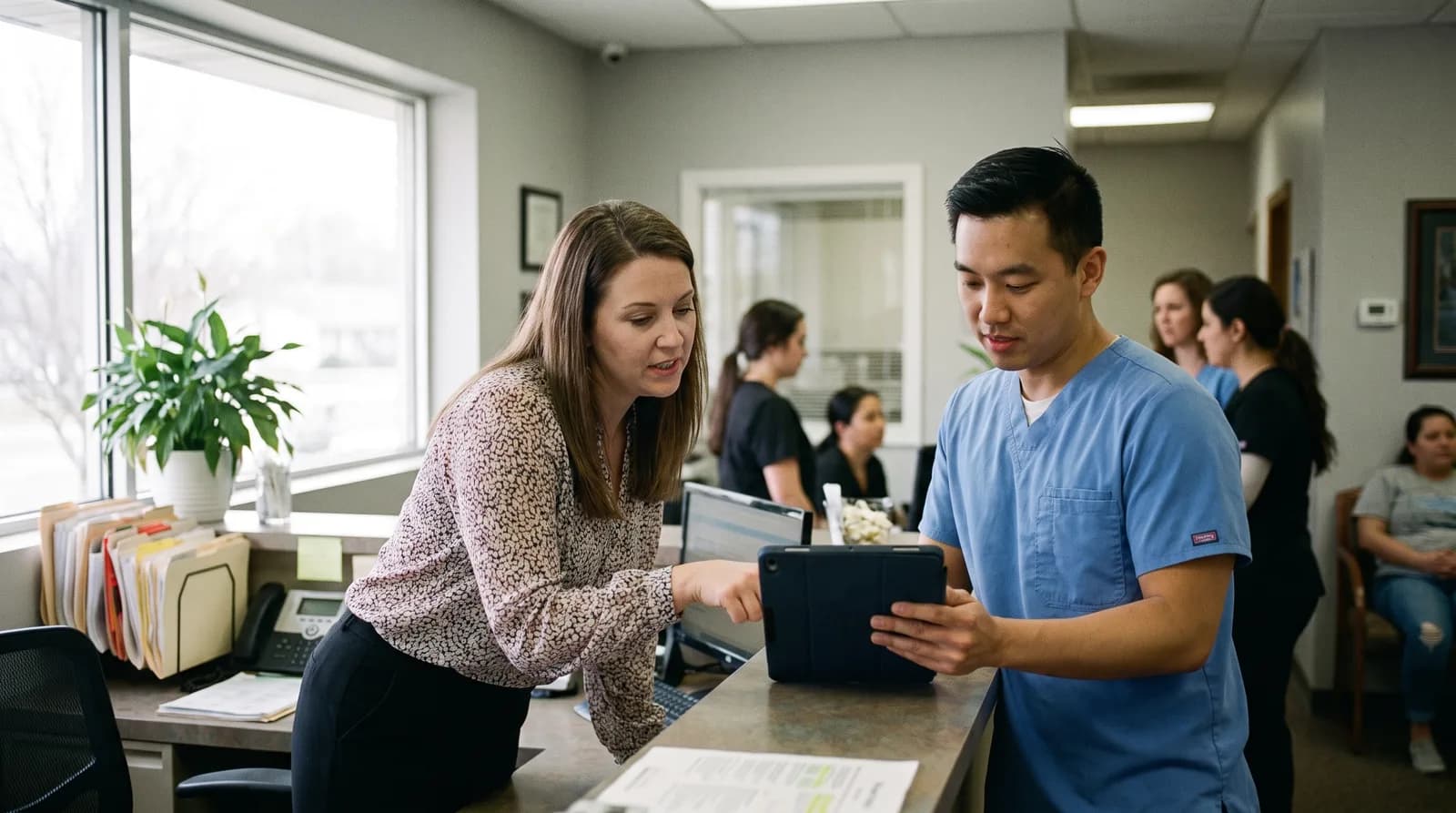
A custom AI receptionist voice dental practices train on their own scripts sounds like the practice, not a generic bot. Here's what customization involves.
Share:
Table of contents
A custom AI receptionist voice dental practices train is built on the office's own FAQs, provider names, and insurance list, not a shared script with the name swapped in. It knows your hygiene recall policy, your new-patient paperwork, and how your office actually talks to a nervous patient calling about a cracked molar. Most buyers shopping for an AI dental receptionist assume every vendor customizes the same way. They don't. Some platforms hand every practice the same voice and the same canned FAQ file. Others spend one to two weeks building the voice and script around one specific practice before the line ever goes live.
That difference shows up fast, usually on the very first call. A patient asking about same-day emergency slots gets a real answer instead of a deflection to voicemail. Below is what voice and script customization actually involves, how long the one to two week setup takes, and what to ask a vendor before you sign a contract.
What Is a Custom AI Receptionist Voice Dental Practices Actually Train On?
A custom AI receptionist voice is a phone agent trained on your practice's own data, not a generic script wrapped around a default voice. That means your services, provider names, insurance list, and office policies feed directly into how the AI answers, rather than a one-size-fits-all template every client gets.
That training data is what the underlying NLP model draws on to recognize your specific terms and provider names in the first place. See how an AI dental receptionist actually works for how speech recognition and natural language processing turn a spoken request into something the system can act on, before text-to-speech ever produces a reply.
Most vendors in this space fall into two camps. One camp ships a single default voice and a shared script library, then asks the practice to adapt to it. The other camp builds the voice tone, pacing, and vocabulary around the practice's actual patient base, whether that's a pediatric-heavy office that needs a warmer, slower delivery or a high-volume DSO location that needs faster call handling. Voice customization and script customization are two separate layers, and a real evaluation has to look at both.
Ask a vendor to demo the actual voice trained on your data, not a generic showcase call. If they can't produce that in the sales process, assume the production voice won't be much different either.
For a wider view of vendors, see how leading dental AI voice platforms compare on voice quality and core features.
What Actually Feeds the Training
- Your provider list and how each name is pronounced.
- Your current insurance list, not a generic national list.
- Real call scenarios your front desk handles every week, not a hypothetical script.
Can an AI Receptionist Sound Like Your Practice Instead of a Generic Robot?
Yes, an AI receptionist can sound like your practice when the vendor trains the voice model on practice-specific pacing, terminology, and tone rather than a shared default. The difference is noticeable within the first 10 seconds of a call, long before the caller reaches an actual question.

Different Practices Need Different Pacing
A three-provider practice fielding roughly 200 calls a week has very different phone needs than a single-doctor cosmetic practice booking consultations by appointment only. The first needs quick, efficient triage language. The second can afford a slower, more conversational tone that mirrors a concierge front desk. A trained voice adjusts for that. A generic voice doesn't, because it wasn't built with either practice in mind. AI receptionist scripts for cosmetic dentistry consultations show what that concierge-paced customization actually looks like in practice.
Patients notice more than practices expect. A stiff, obviously scripted voice reading back appointment times word-for-word reads as impersonal, even when the information is correct. For more on what separates a natural-sounding agent from an obviously synthetic one, see what makes an AI voice sound natural to dental patients.
- Practice name, provider names, and service list pronounced correctly on every call
- Tone matched to patient demographic (pediatric, cosmetic, general, emergency-heavy)
- Call pacing adjusted for high-volume triage versus low-volume concierge scheduling
- Local terminology and insurance plan names spoken the way your staff actually says them
Hear the difference yourself
A generic voice and a trained voice sound different within the first sentence. Preview how DentiVoice trains a voice on your practice's own script.
See what a trained voice sounds like →How Do You Train an AI Receptionist's Script on Your Practice's FAQs and Policies?
You train an AI receptionist's script by feeding it your actual FAQs, cancellation policy, insurance list, and provider schedules, then reviewing draft call flows before anything goes live. This is a documentation exercise first and a technical one second. The practice supplies the content; the vendor builds the flow around it.
In practice, this usually means a staff member walks through common call types, new patient booking, emergency triage, insurance questions, and hygiene recall, and confirms how the front desk currently answers each one. That becomes the source material. A vendor that skips this step and just plugs your practice name into a shared template isn't customizing anything meaningful, no matter what the sales deck says.
Script training is not a one-time event either. Policies change, providers change, insurance networks change. A script that isn't updated when your cancellation policy changes will keep quoting the old one to every caller until someone catches it.
What Counts as Real Source Material
- Your actual cancellation and no-show policy, word for word.
- Insurance plans you accept, including ones that recently changed.
- How your front desk currently answers the five most common call types.
Related: The full training workflow, including which FAQs to prioritize first, is covered in this guide. How to train an AI dental receptionist on practice FAQs →
What's the Difference Between a Fixed-Voice AI and a Trained, Customizable One?
A fixed-voice AI answers every practice with the same default script and voice model, while a trained, customizable AI is built around each practice's own data. The practical difference shows up in accuracy, tone fit, and how quickly the script adapts when your policies change.
Neither approach is inherently a scam. Some smaller practices genuinely don't need deep customization and are fine with a solid default. But if a vendor markets "personalization" and the only thing that changes between clients is the practice name spoken aloud, that's not customization, it's a template with a find-and-replace.
| Factor | Fixed-voice AI | Trained, customizable AI |
|---|---|---|
| Voice and tone | Same default voice for every client | Matched to patient demographic and call volume |
| Script source | Shared template with name swapped in | Built from the practice's actual FAQs and policies |
| Updates when policy changes | Often lags or requires a support ticket | Built into the practice's ongoing setup |
| Best fit | Very small practice, low call complexity | Multi-provider, DSO, or high call volume |
For a closer look at whether voice-based automation or text-based automation fits your call volume better, see voice AI versus text AI for dental receptionists.
How Long Does Voice and Script Customization Take to Set Up?
Voice and script customization typically takes 1-2 weeks for a single-location practice, longer for a multi-provider DSO with multiple insurance networks and location-specific policies. The bulk of that time goes into documentation review, not technical configuration.
Most of the delay isn't the AI vendor. It's practices tracking down their own current policies, since front desk staff often carry unwritten rules that never made it into a document anywhere. A practice manager who can hand over a clean FAQ sheet on day one moves through setup noticeably faster than one starting from a blank page. For the broader rollout this customization step fits into, this step-by-step guide to implementing an AI receptionist in a dental office covers the full process end to end. Once that setup work is done, this guide to the metrics that prove an AI receptionist is working covers what to track to confirm it was worth it.

- Practice supplies FAQs, insurance list, and cancellation or scheduling policies
- Vendor drafts the call script and trains the voice model on that content
- Staff review draft call flows and flag anything inaccurate
- Test calls run against real scenarios before the line goes live
- Practice reviews call recordings during the first week and requests script adjustments
Practices that want a full breakdown of what "operational" actually looks like week by week should read how an AI dental receptionist gets operational in one week.
What Should You Ask a Vendor Before Committing to Voice Customization?
Before committing, ask the vendor to demo a voice trained specifically on your practice's data, not a generic sales voice, and ask exactly how script updates get made once you're live. Those two answers reveal more about real customization than any feature list on a pricing page.
Vendors selling a shared, uncustomized script tend to get vague here. Watch for answers that lean on words like "flexible" or "configurable" without a concrete example of what changed for a real client. A vendor confident in its customization process will usually offer to show you an actual trained call, not a canned demo.
- Can I hear a voice trained on our actual FAQs before signing anything?
- What happens when our cancellation policy or insurance list changes next month?
- Who reviews the script before it goes live, us or only your team?
- Does pricing change based on how much customization we need?
- How does the AI handle a question that isn't in the trained script yet?
Compare a specific alternative
If you're weighing DentiVoice against a platform built around a broader communications suite, this comparison breaks down customization, cost, and escalation side by side.
Read the comparison →Does a Custom Voice Still Need Human Escalation for Edge Cases?
Yes, even a fully customized AI voice still needs a clear escalation path to staff for edge cases like clinical emergencies, billing disputes, or an angry caller demanding a manager. Customization improves how well the AI handles the calls it's built for. It doesn't remove the need for a human backstop.
A well-trained script recognizes when a call has moved outside its scope and hands off cleanly, rather than guessing at an answer it wasn't trained to give. That handoff should feel seamless to the patient, not like being bounced between systems. Under HHS's HIPAA de-identification guidance, a recorded patient call touches at least some of the 18 identifiers that qualify as protected health information, so how a customized script stores and hands off sensitive details matters as much as how natural it sounds. Before customizing any script that touches recorded calls, how to evaluate an AI receptionist's HIPAA compliance is worth working through to confirm the vendor's storage and handoff practices hold up.
Review escalation logs weekly during the first month, not just call quality generally. That's where a poorly trained script shows itself fastest, usually on the calls it should have handed off and didn't.
What a Clean Escalation Should Include
- A clear trigger list: which call types always route to a human, no exceptions.
- A handoff that doesn't repeat information the patient already gave.
- An audit trail showing when and why a call escalated.
Related: See how escalation should work in practice and what a clean staff handoff sounds like. The escalation workflow guide →
How Do You Know If Voice Customization Is Actually Working?
You know voice customization is working when call recordings show the AI using your practice's real terminology correctly, patients don't ask to repeat themselves, and escalations happen on genuinely complex calls rather than routine ones. Reviewing recordings, not just booking counts, is what actually surfaces this.
For a full scorecard on judging this beyond booking counts, see our guide on how to evaluate AI receptionist voice customization.
Booking volume alone can mask a script problem. A practice can still book plenty of appointments even if the AI mispronounces a provider's name on every call or misquotes the insurance list, because most callers won't correct it out loud. They'll just notice, and some won't call back next time. That's why call quality review needs its own process, separate from tracking booked appointments.

Reference the American Dental Association's guidance on the doctor-patient relationship as a baseline: clear, accurate information at first contact is treated as a core part of patient trust, not a nice-to-have. A script that gets your own policies wrong undercuts that from the very first call.
For a structured way to audit this on a recurring basis, see what to review in AI receptionist call quality, and how often.
Signs the Script Is Working
- Recordings show correct pronunciation of provider names and insurance plans.
- Callers rarely ask the AI to repeat itself.
- Escalations cluster around genuinely complex calls, not routine questions.
Does the Practice Management Software You Use Affect Voice Customization?
Yes, the practice management software you use affects what the AI can confirm on a call, since a script trained on real-time scheduling data can offer live appointment slots while one without that integration can only take a message. This is a separate layer from voice tone, but it shapes how "custom" the experience actually feels.
What Live Scheduling Integration Adds to a Customized Voice
A script that sounds perfectly natural but can't check a live schedule still has to say "someone will call you back," which erases a lot of the customization work on the front end. Systems like Open Dental's appointment API and similar practice management platforms determine how much real-time data the AI can pull into a call, independent of how well the voice itself is trained.
What to Confirm Before You Assume Integration Is Included
Ask specifically whether voice customization includes integration with your existing scheduling system, or only the spoken script. They're not the same question, and vendors sometimes answer as if they are. The phone is still the main entry point patients use to find dental care, per the National Institute of Dental and Craniofacial Research, so a script that can't confirm a real appointment slot is a weaker front door than it sounds.
- Confirm whether the AI can see live appointment availability or only take messages
- Ask if insurance verification runs during the call or after
- Check whether provider schedules sync automatically or need manual updates
Why This Ties Back to Front-Desk Staffing Pressure
Front-desk staffing pressure is part of why customization work increasingly falls to the AI vendor rather than a new hire learning the script from scratch. Becker's Dental + DSO Review recently reported that dedicated, in-person front desk staff drove production increases of 40% to 47% at practices that added the role back after cutting it, which is a strong argument for getting the phone experience right rather than leaving it to whoever answers next.
A custom AI receptionist voice dental practices actually train, rather than rent off a shelf, is the difference between a phone system that represents your practice and one that just answers the phone. The script, the voice tone, and the escalation rules all have to reflect how your office actually runs, not a template built for a hundred other practices at once.
Before signing with any vendor, ask to hear a voice trained on your own data and get a straight answer about how updates work once you're live. Those two questions filter out most of the vague sales language fast.
Preview your practice's custom voice
See how DentiVoice trains a voice and script on your practice's own FAQs, policies, and scheduling rules before it ever takes a real call.
See the full setup playbook →Still comparing platforms?
See how DentiVoice compares to Arini AI →See how voice quality fits into the larger patient experience picture.
How technology improves the dental patient experience overall →Frequently Asked Questions
A custom AI receptionist voice dental practices use is trained on the practice's own FAQs, provider names, and policies instead of a shared default script. It answers calls in a tone matched to the practice's actual patient base.
Most single-location practices complete voice and script customization in one to two weeks. Multi-provider DSOs with several insurance networks or locations usually need longer, since more policy content has to be documented and reviewed.
Pricing varies by vendor, and some price customization into the base plan while others charge separately. Ask directly whether deeper script training changes the monthly cost before comparing quotes across vendors.
Yes, a properly built system lets the practice request script updates as policies, providers, or insurance networks change. Ask a vendor exactly how those updates get made and how quickly, since this varies a lot between platforms.
No, voice customization improves how the AI handles the calls it's trained for, but staff still handle clinical emergencies, billing disputes, and any call that falls outside the trained script's scope.
Review call recordings for correct terminology and provider names, not just booking totals. A script that mispronounces details or gives outdated policy information can still book appointments while quietly hurting patient trust.
Yes, integration with your scheduling system determines whether the AI can offer live appointment slots during the call or only take a message. That's separate from voice tone, but it shapes how complete the customization feels to callers.
Sources & References
- 1
- 2
- 3
- 4
- 5
Topics
Was this article helpful?
Written by
DentalBase Team
Expert dental industry content from the DentalBase team. We provide insights on practice management, marketing, compliance, and growth strategies for dental professionals.
