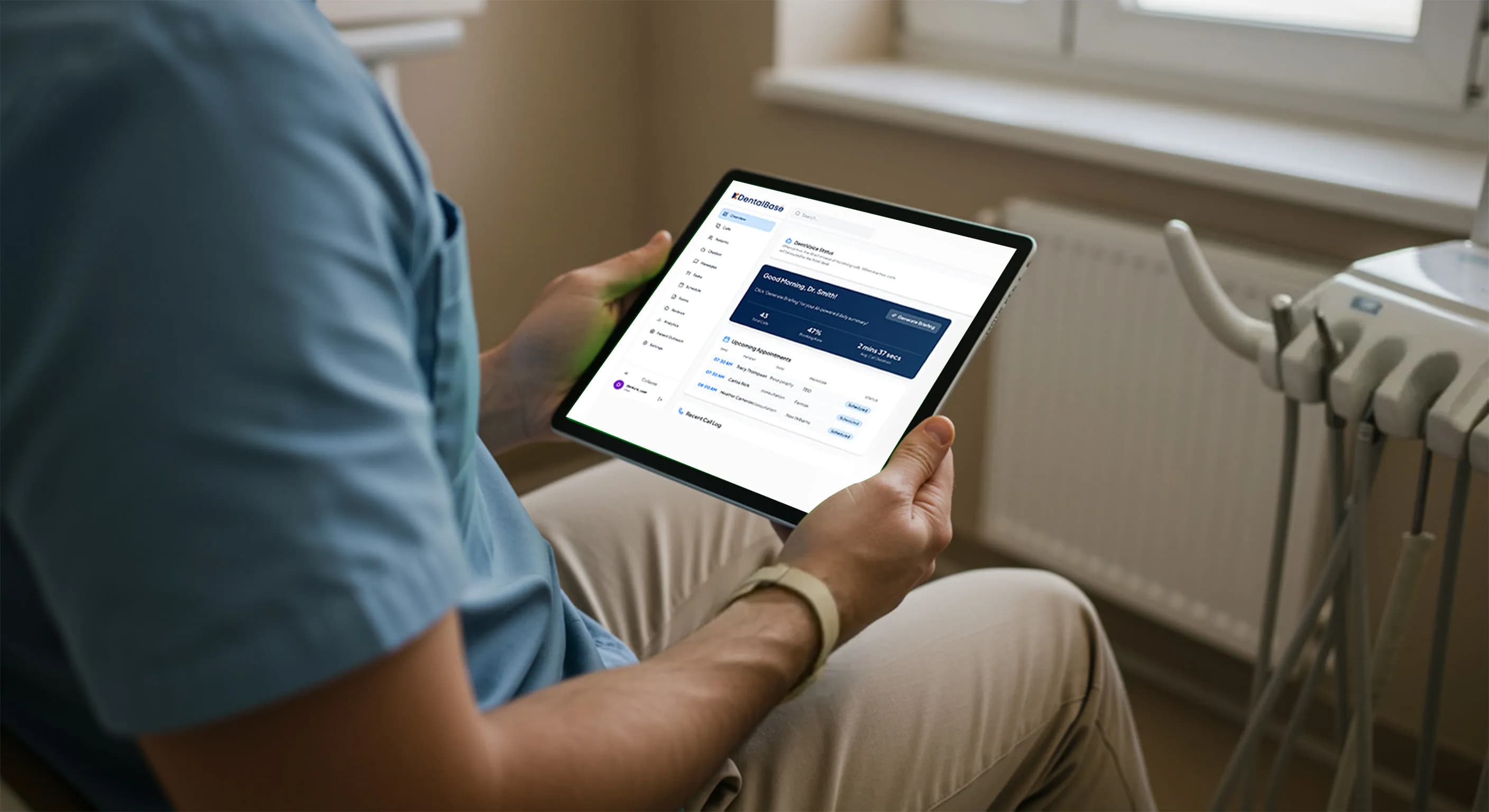
AI Dental Receptionist Setup: Get Operational in One Week
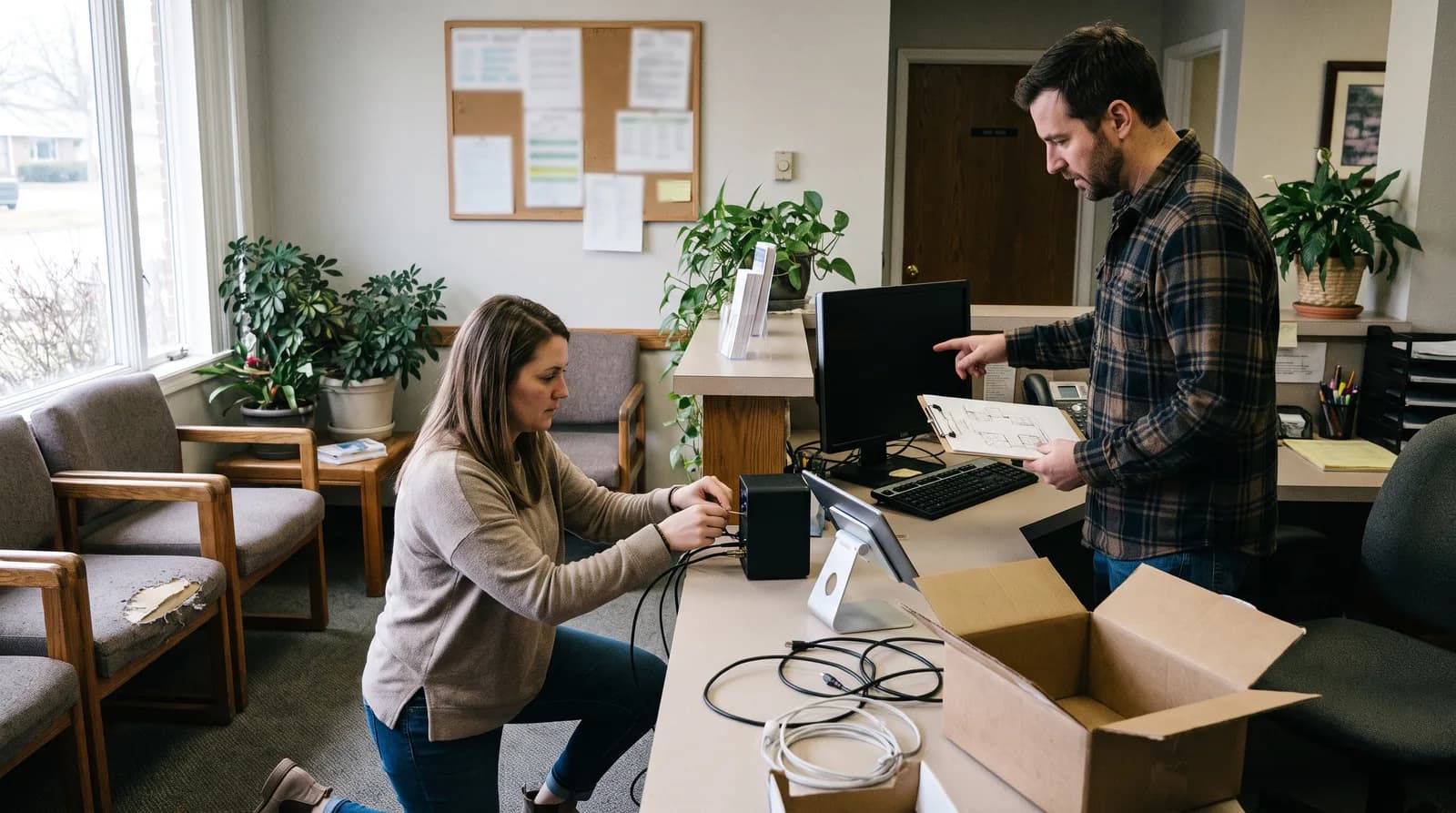
Complete AI dental receptionist setup in one week with a day-by-day checklist: number forwarding, greeting, scheduling, escalation, and go-live testing.
Share:
Table of contents
An AI dental receptionist setup can be finished in a single week when you break it into a day-by-day plan instead of treating it as one large project. Most practices stall not because the technology is hard, but because nobody owns the phone number, the hours, and the escalation rules on a fixed timeline. That gap is expensive. Roughly a third of new-patient calls to dental offices go unanswered during a normal day, and callers rarely try a second time.
This guide gives you a realistic seven-day path from sign-up to a working phone line. You will map number forwarding, greetings, scheduling rules, escalation contacts, and a go-live test so the system answers correctly on day one. Because calls involve protected health information, review the American Dental Association practice management resources before you configure message capture. Think of the one-week timeline as a goal to organize your work, not a promise every practice hits.
For the wider picture of how call handling fits your operations, the complete dental phone coverage guide sets the strategy this checklist puts into practice.
This checklist assumes you have already decided to move forward. If your practice is still earlier in the process, the full guide to implementing an AI receptionist in your dental office covers choosing a HIPAA-compliant platform and building the case before you reach this seven-day timeline. Evaluating an AI receptionist for HIPAA compliance before you sign breaks down exactly what to check with a vendor ahead of go-live.
If you are still comparing vendors, this guide to choosing a dental AI voice receptionist platform covers the features to look for and the signs a practice is ready to switch.
What does AI dental receptionist setup actually involve?
AI dental receptionist setup is the process of connecting your phone number, defining your practice hours and greeting, loading your scheduling and escalation rules, and testing real calls before go-live. It is configuration work, not construction. The heavy lifting is decisions, not code, and most of it happens inside a dashboard.
Five building blocks make up almost every setup. The phone path decides how calls reach the AI, through forwarding or a ported number. The knowledge base holds your address, insurance list, and common answers. Scheduling rules tell the system which appointment types it can book and when. Escalation logic defines who gets a warm transfer or a message. And the greeting sets the tone a caller hears first.
Get those five right and the rest is refinement. Skip one and go-live slips. Before you touch a single setting, write down your top ten call reasons and who currently handles each one. That list becomes your configuration map.
Once those blocks are configured, it helps to know what the system will do every day. Here is how an AI receptionist supports a dental office after go-live, from answering calls to booking appointments.
Can you complete AI dental receptionist setup in one week?
Yes, a focused practice can complete AI dental receptionist setup within one week when a single owner drives it and the phone-carrier steps start on day one. Number porting is the only task with an outside dependency, so it belongs at the front. Everything else is internal configuration you control directly.
The realistic blocker is not effort. It is telecom timing. A full number port can take several business days because it depends on your current carrier releasing the number, which is why the plan below uses call forwarding first and treats a true port as an optional follow-up. That sequencing keeps you live even if the port lags. Interest in this category is climbing across the industry, with ADA Health Policy Institute research tracking sustained growth in automation tools.
| Day | Focus | Owner |
|---|---|---|
| Days 1-2 | Number forwarding, port request, dashboard access | Office manager |
| Days 3-4 | Hours, greeting, scheduling rules, knowledge base | Office manager plus provider input |
| Day 5 | Escalation contacts and staff handoff | Office manager plus clinical lead |
| Days 6-7 | Go-live test calls and monitoring | Whole front-desk team |
Planning your first week?
See how setup fits the full operating lifecycle, from configuration through monitoring and scaling across providers.
Read the operating playbook →Days 1-2: How do you handle number porting and call forwarding?
Start with call forwarding, not porting, so you go live fast without waiting on your carrier. Forwarding sends calls from your existing number to the AI line in minutes, while a full port that moves the number can take several business days. Run forwarding first, then port later.
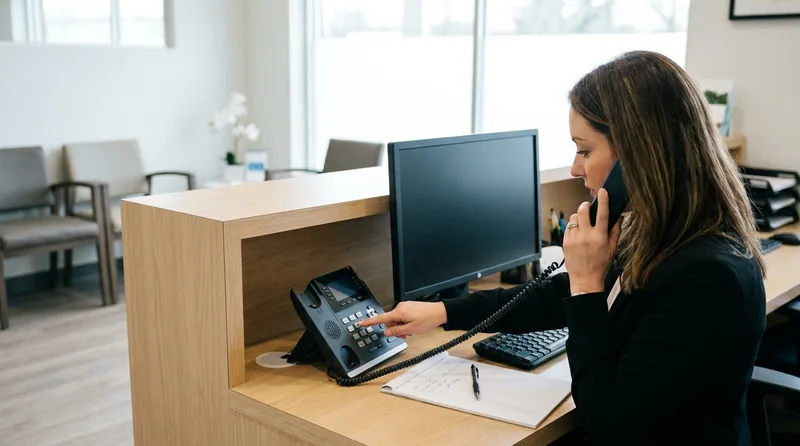
On day one, log into your current phone provider and set conditional forwarding: send calls to the AI when your line is busy or unanswered after a set number of rings. This keeps your team answering when they can and routes overflow automatically. It is the same principle behind smart call overflow handling, applied at the carrier level.
Day two is for the port request if you choose one. Gather your account number, service address, and a recent bill, then submit the port and keep forwarding active until it completes. Do these steps first:
- Confirm number ownership. Make sure the practice, not a former vendor, controls the account.
- Enable conditional forwarding. Route busy and no-answer calls to the AI line.
- Submit the port request. Provide carrier details and a recent statement.
- Keep both paths live. Leave forwarding on until the port is verified.
Days 3-4: How do you configure hours, greeting, and scheduling rules?
Configure your hours first, because they control every downstream behavior the AI uses to book, hold, or escalate a call. Enter your open hours, lunch closures, and holidays, then write a greeting that names the practice and offers help within the first few seconds. After that, load the scheduling rules that decide what the system can book on its own.
If your practice also runs a website booking widget, this is the point to confirm it draws from the same calendar. AI receptionist online booking integration covers what to check before treating the two as connected.

Your greeting carries more weight than its length suggests. Callers form an impression almost immediately, which is why the first seven seconds of a dental phone greeting matter so much. Keep it warm, specific, and free of dead air. A natural, conversational voice also builds trust, and the traits that make an AI voice sound natural are worth reviewing before you record or select one.
Voice and wording are two separate decisions worth making deliberately rather than accepting defaults. Choosing a custom voice for your dental practice and customizing the actual scripts the AI reads from both belong in this setup window, not as an afterthought once the line is live.
For scheduling, define these rules clearly:
- Bookable appointment types. New-patient exams, cleanings, and consultations are common starting points.
- Provider mapping. Which providers accept which appointment types, and their column rules.
- Buffer and block times. Protect lunch, huddles, and clinical prep.
- Insurance questions. What the AI collects up front versus what staff verify later.
Writing your scheduling rules down before you configure them turns this checklist into a quick transfer of an existing policy instead of a series of judgment calls made on the spot.
To understand what your scheduling rules control once you go live, read how an AI receptionist checks open slots and confirms a booking in dental software, which explains the double-booking checks those rules feed into.
Load your knowledge base in the same pass: address, parking notes, accepted plans, and answers to your ten most common questions. Practice management platforms such as Open Dental or Dentrix often hold this data already, so pull directly from your existing records rather than retyping them. The same logic applies to the forms side of the front desk, where automating dental patient intake pushes demographics, medical history, and insurance details into the practice management system without anyone rekeying them. Practices on Denticon can see this connection mapped out in detail in the AI dental receptionist Denticon integration guide, which covers real-time booking and patient lookup during setup. For plan and coding references your team may field on calls, the American Dental Association dental insurance resources are a reliable starting point.
Configure once, answer every call
DentiVoice handles new-patient scheduling, insurance questions, and after-hours calls in a natural voice, so your front desk keeps its focus on patients in the chair.
See DentiVoice in action →Day 5: How do you set escalation contacts and staff handoff?
Set escalation rules so the AI knows exactly when to transfer a caller, take a message, or route to voicemail as a last resort. Escalation is what keeps automation safe. Define the triggers, name the people, and give the system fallback numbers for after-hours and clinical emergencies before you ever go live.
Dental emergencies are the clearest case. A caller with facial swelling, trauma, or uncontrolled bleeding should reach a person or your on-call protocol immediately, not a booking flow. Map those triggers first, using clinical urgency as your guide rather than caller tone; the NIDCR overview of gum disease and oral infections is a useful reference when defining what counts as urgent. For everything else, decide whether a warm transfer, a callback request, or a structured message fits the caller. Relying on voicemail alone is risky, since voicemail quietly loses patients who hang up rather than leave one.
Your handoff plan should cover:
- Emergency triggers. Symptoms and phrases that force an immediate transfer.
- Business-hours contacts. Who receives transfers during the day.
- After-hours path. On-call provider, message capture, or an after-hours booking strategy.
- Message format. The exact fields staff need in every captured message.
Brief your team the same day. Everyone should know what the AI handles, when a call reaches them, and how messages arrive. This is a support layer for your front desk, not a replacement for it, and clear expectations prevent confusion in week one. If a same-day briefing feels rushed for your team, our step-by-step plan for introducing an AI receptionist to dental staff lays out a slower, staged version of this conversation.
Days 6-7: How do you run a go-live test plan?
Run a scripted test-call plan across both days so you catch problems before patients do, not after. Call your own line as a new patient, an existing patient, and an emergency caller, then confirm the AI books, transfers, and escalates correctly. Test during open hours, at lunch, and after close to check every schedule state. Put your outbound messaging through the same pass, because the confirmation reminders patients receive before an appointment should say the same thing the AI says on the call.
What you are really testing on these calls is the caller experience end to end, not just whether the AI books correctly. What patients actually hear during a dental phone call is the standard your test script should be measured against.

Treat these calls like a checklist, not a demo. Score each one against what should have happened. A missed transfer on a mock emergency is the kind of error you want to find on day six, not from a real patient on day eight. Dental visits remain one of the most common forms of health care contact, as NIDCR overview of tooth decay shows, so every scheduling state deserves a test. The cost of a mishandled call is real, and a simple way to see it is the true cost of a missed dental call.
Work through this go-live sequence:
- New-patient booking. Confirm the AI collects details and books the right appointment type.
- Existing-patient request. Test a reschedule and a general question.
- Emergency escalation. Verify an urgent caller reaches a person or your protocol.
- After-hours call. Check the closed-hours greeting and message capture.
- Insurance question. Make sure the answer matches your knowledge base.
Fix what fails, then repeat the failed scenarios until each passes twice. Once your core scenarios pass, you are operating.
What setup mistakes cause a delayed go-live?
Most delayed go-lives trace back to four avoidable mistakes: starting the number port too late, leaving hours or holidays undefined, skipping emergency escalation, and never running real test calls. Each one is simple to prevent when you know to watch for it. None require technical skill, only sequence and attention.
Porting late is the most common. Because a port depends on your old carrier, submitting it on day five guarantees a wait, which is why forwarding goes first. The second trap is vague hours. If lunch and holidays are blank, the AI may book patients into closed time, creating cleanup work that erodes trust. Compare your options honestly using a review of dental phone coverage models before you assume one path fits.
Watch for these red flags during setup:
- No named escalation owner. Transfers with nowhere to land frustrate callers.
- Untested emergency flow. The one scenario you cannot afford to get wrong.
- Copy-paste greetings. Generic scripts that never mention your practice by name.
- Solo ownership without a backup. One person on vacation should not stall the launch.
How do you know your AI dental receptionist setup is working?
You know your AI dental receptionist setup is working when core call scenarios pass on the first ring, escalations reach the right person, and your booked-appointment data matches what patients requested. Setup ends where monitoring begins. Watch a few clear signals in the first two weeks rather than guessing from feel.
Track answer rate, successful bookings, escalation accuracy, and the share of after-hours calls captured instead of lost. If new-patient calls that once went unanswered now convert to booked exams, the configuration is doing its job. Small tuning is normal in week two, and it is a sign of refinement, not failure. For a fuller framework on what to track past week one, this breakdown of the KPIs that measure AI receptionist success is worth bookmarking.
Two ongoing evaluations belong in that tuning window. How to evaluate whether your voice customization is actually working and keeping prompt changes under version control both prevent week-two tweaks from turning into an untracked mess by week six.
A practical first-two-weeks review covers:
- Answer and capture rate. Are calls reaching the AI and getting handled?
- Booking accuracy. Do scheduled appointments match caller intent?
- Escalation success. Did every emergency reach a person or protocol?
- Staff feedback. Is the front desk getting clean, complete messages?
Once these hold steady, you shift from setup to ongoing operation, where monitoring and gradual scaling take over. That is the natural handoff into your long-term playbook.
Conclusion: your one-week path to a working phone line
A successful AI dental receptionist setup comes down to sequence, not speed. Forward calls first, define your hours and greeting, load scheduling and escalation rules, then prove it all with real test calls before you trust it with patients. Do those in order and a week is enough.
The single move that protects your timeline is starting the phone-carrier steps on day one. Everything else is configuration you control. Pick a start date, name one owner, and put the seven days on the calendar this week.
Ready to set up your AI dental receptionist?
DentiVoice answers, books, and escalates calls in a natural voice, so your practice stops losing patients to unanswered phones. See how a one-week setup works for your office.
Get started with DentiVoice →Before you get to setup, it helps to know which platform you are setting up in the first place. See our full guide to choosing the best dental AI receptionist software.
Related: For the full lifecycle after go-live, from monitoring to scaling across locations, read the operating playbook this checklist feeds into. How to operate an AI voice receptionist →
Setup looks a little different depending on your PMS. See what that first week of setup looks like specifically for a Dentrix-based practice.
Curious how that one-week timeline compares to onboarding a human answering service instead? this comparison of how AI receptionist setup time stacks up against bringing on a traditional answering service breaks down both onboarding paths.
Frequently Asked Questions
AI dental receptionist setup typically takes about one week when one person owns it and carrier steps start on day one. Call forwarding goes live in minutes, while a full number port can add several business days on top.
No, you do not need to port your number to start. Call forwarding routes calls to the AI line immediately, so you can go live fast. Port the number later only if you want it to live permanently with the new system.
Configure your hours, holidays, and greeting first, because they control how the AI books, holds, or escalates calls. Then load scheduling rules and your knowledge base, and set escalation contacts before running go-live test calls.
No. An AI receptionist is a support layer that handles overflow, after-hours, and repetitive calls so your team focuses on patients in the office. Staff still own transfers, complex requests, and the relationships that keep patients returning.
Run scripted calls as a new patient, an existing patient, and an emergency caller during open hours, at lunch, and after close. Confirm the system books, transfers, and escalates correctly, then repeat any failed scenario until it passes twice.
Track answer rate, booking accuracy, escalation success, and captured after-hours calls in the first two weeks. When unanswered new-patient calls start converting to booked exams and emergencies reach a person, your configuration is doing its job.
Sources & References
- 1
- 2
- 3
- 4
- 5
Topics
Was this article helpful?
Written by
DentalBase Team
Expert dental industry content from the DentalBase team. We provide insights on practice management, marketing, compliance, and growth strategies for dental professionals.